
Still spending hours trying to get a single render just right? Wrestling with tools that weren’t built for how you actually work? You’re not alone, and thankfully, there’s a better way.
AI interior design rendering software is changing the game for interior designers by helping them turn concepts, moodboards, and layouts into polished visuals much faster. With the right tool, you can turn flat moodboards into polished client visuals, stage entire rooms in seconds, and bring 3D concepts to life without the steep learning curve (or stress).
In this guide, we’ve curated 23 of the best AI-powered rendering platforms, including 14 free tools and 9 pro-grade options to help you work faster, wow clients, and stay in flow.
Test a few and find your new go-to. Let the rendering do the heavy lifting so you can get back to designing.
Table of Contents
How to choose AI rendering software
With so many AI rendering tools for interior designers on the market, choosing the right platform can feel overwhelming. The best option depends on how you work, the type of visuals you need, and how much control you want over the final result. Most AI rendering platforms fall into three main categories.
- AI style generators are designed for fast concept exploration. Tools like Interior AI, RoomGPT, and Spacely.ai allow you to upload a photo or image and instantly generate styled variations of the space. These platforms are perfect for early ideation, moodboards, and quick client previews, but they usually offer limited control over layouts and precise design details.
- Full design platforms with rendering combine visualization tools with broader project workflows. Platforms such as DesignFiles, Foyr Neo, and Coohom allow you to create moodboards, build layouts, and generate polished renders in one place. These tools are especially helpful for interior designers who want to move seamlessly from concept development to client presentations and project management.
- High-end rendering engines are built for maximum realism and production-quality visuals. Tools like Lumion, Twinmotion, and D5 Render integrate with professional modeling software and provide advanced lighting, materials, and animation controls. They deliver stunning results but typically require stronger hardware and a more technical workflow.
When comparing tools, it helps to consider three key factors.
- Workflow. Some AI renderers work directly from photos or sketches, while others require full 3D models. If you prefer quick visual concepts, photo-based tools may be the best fit. If you already use 3D modeling software, a rendering engine may integrate more naturally into your process.
- Output quality. Certain platforms focus on fast concept visuals, while others are designed for high-end production renders used in presentations, marketing, or architectural visualization.
- Hardware requirements. Many newer AI tools run entirely in your browser, which makes them easy to use on almost any device. More advanced rendering engines often rely on powerful GPUs and dedicated desktop software.
Understanding these differences will help you quickly narrow down the tools that match your workflow and design goals before exploring the full list below.
Top 14 Free AI Rendering Software
First, let’s dive into the tools that offer free plans or extended free trials without set time limits.
Comparison table for platform focus
| Tool | Best For | Pros | Cons |
| DesignFiles | Professional interior designers managing full-service projects | Seamless AI-enhancement for moodboards and 3D visuals; all-in-one dashboard; low payment fees | No VR walkthroughs |
| ReRender AI | Quick ideation and client-facing concept variations | Lightning-fast rendering; over 40 styles; minimal setup; browser-based | No full-room creation; lacks manual control over layout |
| Interior AI | Real estate staging, redesigns, and 3D flythroughs | Huge variety of styles; supports 3D walkthroughs; staging and before/after tools | Templates feel generic; higher tiers can be pricey for light users |
| Planner 5D | Floor plans and furniture layouts for homeowners and pros | 4K rendering; Smart Wizard AI; works on all devices; easy 2D/3D toggling | Limited controls in free plan; less advanced rendering customization |
| HomeByMe | High-quality 3D floor plans with real-world products | 90K+ branded items; 4K & 360° render support; great toggle between 2D/3D | Free plan limited to 2 projects and 5 renders |
| RoomGPT | Super fast mockups for layout or style experiments | One-click interface; very fast; great for moodboard testing | Just 1 free render; limited style precision |
| Fotor AI Room Gen | AI prompt-to-image design mockups and moodboard visuals | Easy for beginners; fast concept generation; includes photo enhancement tools | Not made for real planning; no floor plans or 3D editing |
| Maket.ai | Early architectural planning with zoning-aware layouts | Instantly generates code-compliant layouts; great for architects; free exports | Doesn’t support decor or finishes; schematic-level only |
| Spacely.ai | Fast space visualization from photo uploads | Works from photos or templates; super fast; masking tool for advanced edits | Relies heavily on credit use; less layout control |
| VisualizeAI | Style exploration from real images or SketchUp models | 100+ styles; super fast variations; saves all work automatically | Only 3 free renders; lacks editing or fine control |
| D5 Render | Real-time 3D rendering with modeling software integration | Real-time visuals; huge library; AI-powered material tools; Livesync for SketchUp & more | Requires strong computer; Pro features are paywalled |
| Twinmotion | CAD/BIM integration with VR-ready walkthroughs | Unreal Engine visuals; huge asset library; free for non-commercial use; instant live updates | GPU-demanding; export control more limited than Unreal Engine itself |
| Arkdesign.ai | Schematic design and code-ready multifamily layouts | Built-in zoning compliance; optimizes floor area and units; Revit export for paid users | No photorealistic renders; paid plan needed for full functionality |
| MyArchitectAI | Ultra-fast, browser-based visual polish from sketches or CAD exports | Extremely easy to use; strong visual enhancement from simple inputs; includes commercial rights | Prompts can be inconsistent; editing costs credits even with a subscription |
Comparison table for features and pricing
| Tool | Top Features | What’s Included in the Free Plan | Pricing | Description of the Paid Plans |
| DesignFiles | Moodboard Editor, 3D Floor Planner, AI Photorealistic Rendering, Client Presentation Templates, Project Proposal Templates, Product Clipper, Client Portal, Invoicing, QBO Sync, Purchase Orders and Tracking, Task / Time Management, FF&E Schedules | 1 project with access to core tools | Starts at $49/month | The e-Design Plan ($49 per month) includes unlimited projects and access to the full suite of design and presentation tools plus time tracking. The Full Service plan ($69 per month) includes everything on the eDesign plan plus the complete financial/billing and project management tool set. |
| ReRender AI | Upload photos, 40+ AI styles, multi-angle rendering, enhancement tools, browser-based, exterior support | Limited renders to try core features | Starts at $15/month | $45/month includes 100 render credits. Add-on credits available. No subscription required to increase usage. |
| Interior AI | Redesign from photos, Sketch2Image, staging, 3D flythroughs, exterior landscaping, immersive walkthroughs | Basic access with limited renders | Starts at $29/month | $49/month for premium rendering; $99/month for 25,000 designs and faster processing. |
| Planner 5D | Drag-and-drop 2D/3D planning, Smart Wizard, 4K rendering, model import, blueprint AI, moodboards | Limited rendering and tools | Starts at $4.99/month | Professional plan at $33.33/month unlocks full features, 4K renders, custom model imports. |
| HomeByMe | 2D/3D planning, 4K & 360° renders, 90K+ product library, brand catalog, walkthrough tools | 2 projects and 5 full HD renders | Starts at $25/month | Pro plan at $53/month gives unlimited renders, videos, and advanced portfolio features. |
| RoomGPT | Instant redesigns, 4 style variations, fast visualization, room-type presets | 1 free render | Credit-based (no subscription) | Credit packs: $9 (30 credits), $19 (100), $29 (200). One render = one credit. |
| Fotor AI | Text-to-image generator, AI upscaling, moodboard assets, background remover | Basic tools and limited AI credits | Starts at $3.99/month | Pro ($3.99/month) and Pro+ ($8.33/month) unlock watermark-free exports, templates, and more AI credits. |
| Maket.ai | AI floor plans, zoning tools, schematic layout variations, PDF/DXF export | 1 active project, unlimited plans, 2 low-res images | Starts at $30/month | Pro unlocks high-res export, advanced edits, and 2D-to-3D massing conversion. |
| Spacely.ai | Upload or start from template, photo-real renders, masking tools, SketchUp integration | 50 credits + full feature access | Starts at $12.75/month | Paid plans start at 200 credits/month, 4K output, watermark-free, private mode, and API options for studios. |
| VisualizeAI | Upload any photo/sketch, 100+ styles, SketchUp input support, automatic save, layout & lighting visualizer | 3 free renders | Starts at $17/month (annually) | Pro plan ($21/month) allows 1,000 renders/month with commercial use and beta tools. |
| D5 Render | Real-time rendering, AI material tools, 15K+ assets, Livesync with modeling tools, video and VR export | Unlimited projects, file import, basic asset library | Starts at $30/month | Pro plan unlocks full asset library, VR tools, team features. Teams plan starts at $59/month. |
| Twinmotion | CAD/BIM import, Unreal Engine visuals, 1M+ assets, VR/panorama exports, real-time feedback | Full access for individuals/students/under $1M revenue | Free for most users | $445/year for commercial use above $1M revenue. Unreal bundle available at $1,850/year. |
| Arkdesign.ai | Schematic building generator, code-compliant layouts, unit mix optimization, Revit export, PDF reporting | 3 projects and 3 PDFs | Starts at $180/month | Pro: unlimited projects. Premium: Revit export, AI consulting, certification program. |
| MyArchitectAI | AI render from sketch/CAD, style transfer, smart editing, cloud-based, high-res outputs | 10 renders and 10 edits | Starts at $29/month | Pro plan gives unlimited renders and full commercial licensing. Team plan available on request. |
1. DesignFiles
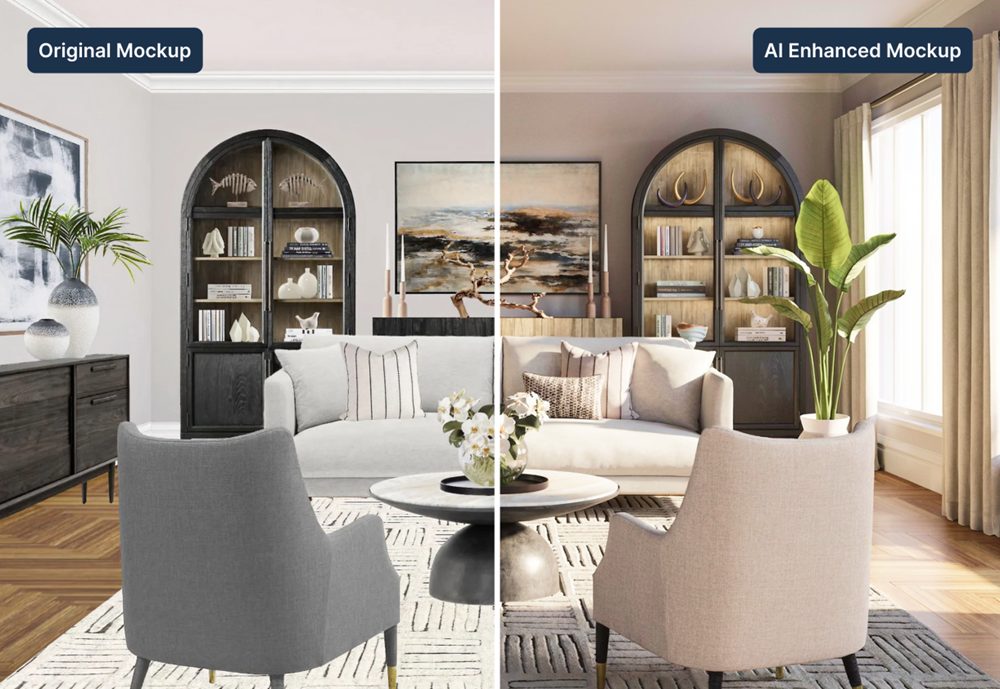
DesignFiles is a professional, all-in-one platform built specifically for interior designers who want to streamline their entire workflow—from early concepts to final client approvals.
Unlike many AI rendering tools that only generate images, DesignFiles brings together moodboards, 3D floor planning, AI-enhanced visuals, sourcing, client collaboration, and business management in one organized dashboard. Designers can move from concept to client-ready presentations without switching between multiple tools.
With built-in AI enhancement, designers can transform flat moodboards or 3D renders into polished, photorealistic visuals that help clients clearly understand the final design. Instead of explaining how a space might look, you can show them realistic images that build confidence and speed up approvals.
Features:
- Drag-and-drop moodboard editor with AI image enhancement, brand customization, and one-click background removal
- 3D floor planner with room mockups, furniture, materials, and lighting presets
- AI enhancement tool that converts moodboards and 3D renders into photorealistic client-ready visuals
- Product clipper browser extension to quickly source and save vendor products to your library
- Automatic spec sheets and tear sheets with branded PDF exports and client approval tracking
- Task management dashboard with reminders and project activity tracking
- Client portal for communication, design reviews, and secure payments
- Financial tools including quotes, invoices, purchase orders, and QuickBooks integration
My experience:
When I tested DesignFiles, what stood out most was how easily I could turn early concepts into polished presentations.
The AI enhancement tool gave my moodboards a refined, photorealistic finish that instantly elevated the look of my client presentations. Instead of presenting flat boards and explaining the vision, I could show a much more realistic preview of the final design.
I also loved how everything lives in one place, from sourcing products to collecting approvals and managing invoices. The built-in dashboards and automated reminders help designers stay organized without feeling buried in admin work.
Pros:
- AI enhancement transforms moodboards and 3D designs into realistic presentation-ready visuals
- Designed specifically for interior designers, not generic rendering workflows
- Combines design tools, client collaboration, and business management in one platform
- Smart project dashboards and reminders keep projects organized and moving forward
- Industry-low payment processing fees (0.8% ACH) help reduce long-term business costs
- Includes ready-to-use templates for questionnaires, proposals, contracts, and client presentations
Cons:
- Does not include immersive VR walkthroughs or virtual reality presentations
Pricing:
DesignFiles offers a free plan for one project so designers can explore the platform before upgrading. Paid plans start at $49/month for the eDesign plan, which includes unlimited projects and access to the full design and presentation tools.
The Full Service plan starts at $69/month and adds advanced project management, invoicing, purchasing, and financial tools. Additional team members can be added for $25/month per user, and all plans include a 90-day money-back guarantee.
Ratings:
2. ReRender AI
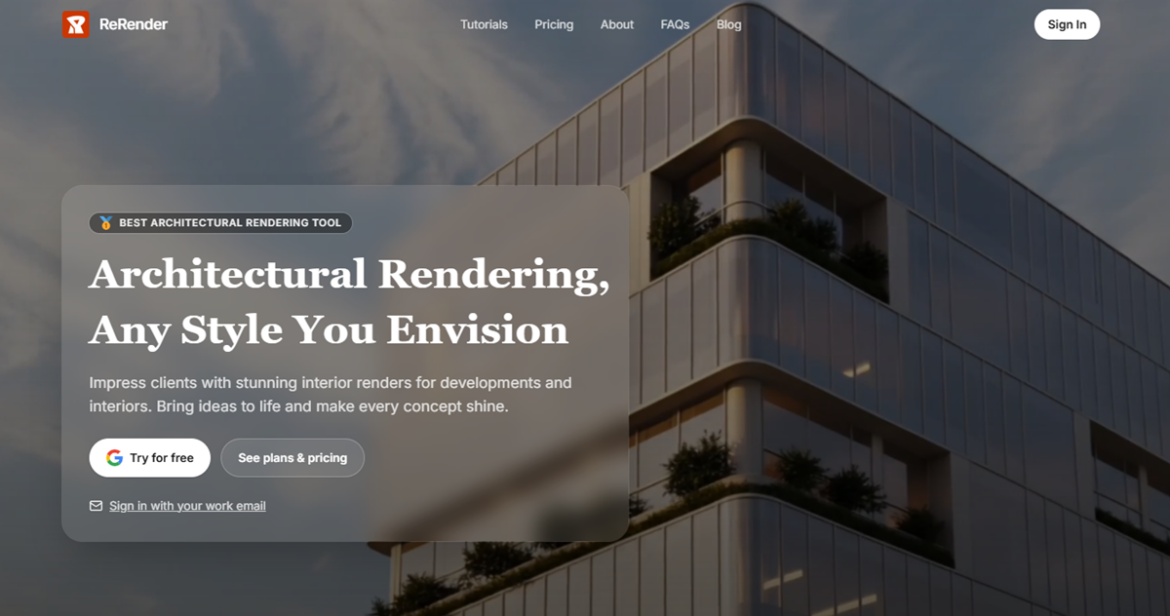
With ReRender AI, you get fast, photorealistic renderings across a wide range of design styles.
Just upload a photo and select a design style. Within seconds, you’ll get a new version of your room that’s client-ready. It’s ideal for testing out multiple ideas quickly or adding polish to a design concept.
Features:
- Upload real interior photos and apply over 40 different styles using AI
- Built-in enhancement tools like lighting adjustments, image upscale, and render refinements
- Includes multi-angle rendering support for better room visualization
- Intuitive interface for easy use without prior training
- Web-based and works across all major devices and operating systems
- Magic wand tool unlocks advanced features for render editing
- Integrated learning and support articles for fast onboarding
- Supports both interior and exterior rendering with accurate lighting and materials
My experience:
I tested ReRender AI on a simple living room photo to see how quickly I could visualize Scandinavian and Japandi styles.
The AI-generated results came back in seconds and looked impressive.
I liked how the interface lets you toggle through styles rapidly—great for client-facing presentations or early-stage design ideation. It’s a fast and visual brainstorming tool.
Pros:
- Super fast rendering with minimal setup or uploads
- Easy to try multiple styles on the same space in seconds
- Great browser-based usability with no software installation
- Flexible design outputs that work for both interiors and exteriors
Cons:
- Limited ability to manually edit or tweak layout elements
- You can’t create room designs from scratch—it’s more for visualizing existing photos
Pricing:
ReRender AI has a free plan with limited generations to test the platform. Paid plans start at $15/month and scale based on how many render credits you need. The $45/month plan includes 100 render credits, making it a solid value for active designers. You can also purchase add-on credits as needed without changing plans.
Ratings:
- ReRender is not rated on major review sites.
3. Interior AI
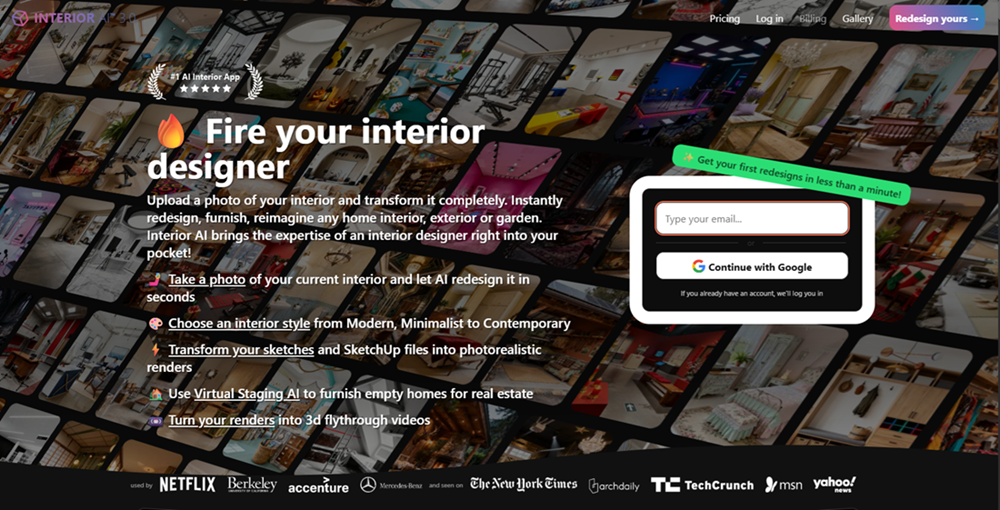
Interior AI transforms your space with one photo, whether you’re staging for real estate, planning a remodel, or experimenting with styles.
From interior redesign to virtual staging, garden layouts, and even 3D walkthroughs, it’s packed with features for both hobbyists and professionals. No prompt-writing or software knowledge needed.
Features:
- Upload interior photos and redesign spaces in seconds with over 55 preset styles
- Turn sketches and SketchUp wireframes into realistic renders using Sketch2Image™
- Create before-and-after visualizations and 3D flythrough videos from AI designs
- Use Virtual Staging AI to fill empty rooms with furniture for real estate marketing
- Customize lighting, add furniture, change wall colors, and apply Google Lens-style enhancements
- Redesign outdoor spaces with trees, flowers, and realistic landscaping
- Walk through your rendered interiors in immersive 3D VR-style environments
- Generate up to 16 designs in parallel with Ultra plans for large-scale workflows
My experience:
I uploaded a simple living room photo and chose a Japandi style to see how Interior AI handled neutral tones and minimalist lines.
The result came back in under a minute, with great attention to lighting and scale. I especially liked how easy it was to swap styles and run multiple tests. It’s not a tool for floor plan edits, but for style ideation and visual storytelling, it’s very impressive.
Pros:
- Extremely fast and easy to use with no learning curve
- Huge variety of design styles and render modes to choose from
- Great for real estate staging, sketch-to-image rendering, and 3D exploration
- Includes unique features like adding people, changing lighting, and walkthrough videos
Cons:
- Some layouts can feel too template-driven without much ability to fine-tune objects
- Paid tiers may feel expensive if you only need a few renders per month
Pricing:
Interior AI has a free option to test the platform, but full access starts at $29/month for 1,000 renders with basic quality. For better realism, the $49/month Premium plan unlocks hyper-realistic lighting and virtual staging features. The Ultra plan at $99/month adds faster rendering and support for 25,000 monthly designs.
Ratings:
4. Planner 5D
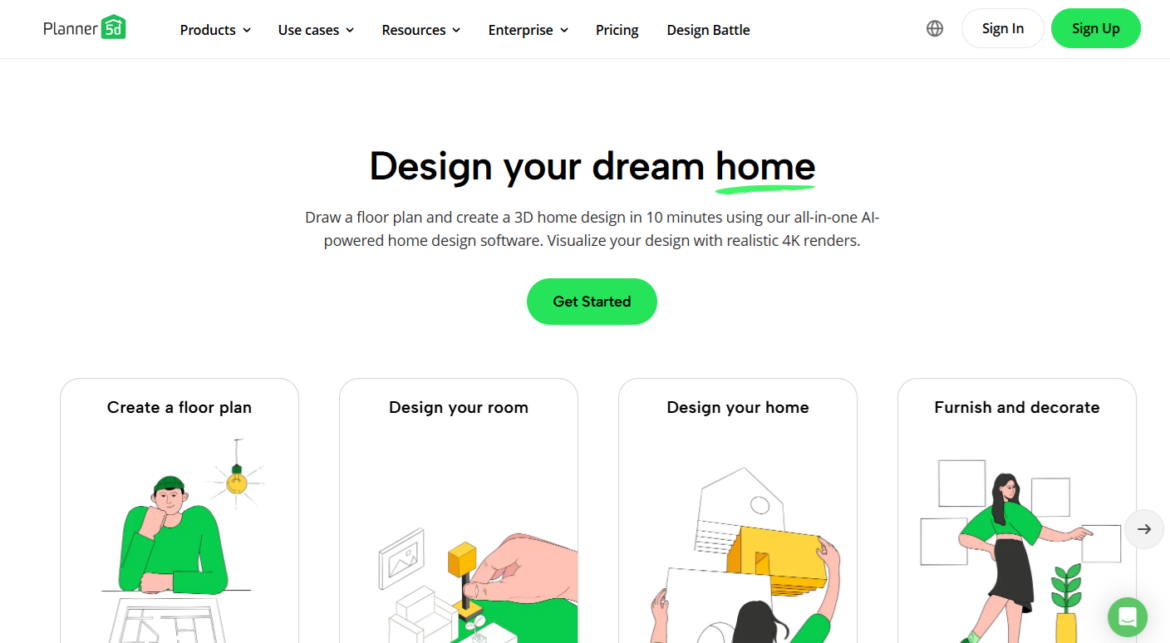
Planner 5D is a browser-based interior design and floor planning tool with integrated AI features. It allows you to quickly build and furnish spaces in 2D or 3D, and then generate realistic renders with adjustable lighting, angles, and materials.
With tools like Smart Wizard and AI Plan Recognition, it’s designed to streamline both space planning and visualization, even for non-technical users.
Features:
- Drag-and-drop floor planning with both 2D layout and 3D walk-through capabilities
- Realistic 4K rendering engine for detailed lighting, material, and decor visualization
- Smart Wizard AI suggestions for room layout and decor choices
- Moodboard tools and product library with over 8,000 furnishings and fixtures
- Cross-platform support including iOS, Android, macOS, and web browser
- AI-powered floor plan recognition for transforming blueprints into editable layouts
- Cloud sharing and export options for presenting designs to clients
- Option to import custom 3D models for personalized or brand-specific styling
My experience:
I tried Planner 5D to map out a living room concept, starting from a rough sketch.
The Smart Wizard suggested layouts that made better use of space than I originally planned, and the 3D render came out impressively polished, even without tweaking the settings.
I appreciated being able to walk through the space virtually and see how lighting changed the atmosphere. It’s one of the easier AI-driven render tools I’ve tested.
Pros:
- AI suggestions and auto-layout tools speed up the early-stage design process significantly
- 4K rendering capabilities help showcase mood, texture, and space in a realistic way
- Easy enough for non-designers but flexible enough for pros with custom model import
- Works smoothly across devices, making on-the-go editing simple
Cons:
- Some advanced tools and rendering options are gated behind paid tiers
- Customization for lighting and materials isn’t as granular as some high-end alternatives
Pricing:
Planner 5D offers a free version with basic tools and limited rendering access, which is great for trying it out. Premium starts at $4.99/month, while the Professional plan (ideal for designers who need high-res renders and full features) costs $33.33/month. There’s also an Enterprise tier with custom pricing.
Ratings:
5. HomeByMe

HomeByMe offers a 3D floor planning and rendering tool designed to bring your interior design ideas to life through AI-assisted visualizations.
It allows you to plan layouts in 2D, furnish them in 3D, and then render high-resolution images—including 4K and 360° views—for client presentations or personal projects. Its catalog of branded products and intuitive drag-and-drop interface make it easy to create photorealistic interiors with minimal effort.
Features:
- Easy 2D and 3D floor planning with real-time visualization
- AI-supported rendering engine that produces high-quality 4K and 360° images
- Massive branded catalog with over 90,000 products and decor items
- Ability to upload your own 3D models and create custom furniture with MakeByMe
- Mobile and desktop access with cross-platform syncing
- Community gallery for sharing and gaining design inspiration
- Built-in screenshot, video, and walkthrough tools for client-ready visuals
- Interactive sharing tools with feedback and privacy control features
My experience:
When I tested HomeByMe, I was impressed by how realistic the 4K renders turned out—even in the Starter Plan.
I used the AI features to stage a living room using real brand products, and the result was professional enough for client feedback.
The ability to toggle between 2D and 3D was helpful, but what stood out most was the image quality and rendering speed. It’s ideal for showing visual concepts without diving into technical tools.
Pros:
- Excellent rendering quality with support for 4K and immersive 360° images
- Large furniture catalog from popular real-world brands makes staging fast and credible
- AI-powered rendering tools create visualizations that feel lifelike and polished
- Helpful features for design presentations, including watermark removal and portfolio creation
Cons:
- Many advanced render and export options are only available in paid tiers
- Limited room for design iteration in the free plan (only two projects and five renders)
Pricing:
HomeByMe offers a free Starter Plan that includes two projects and five full HD renders. The Essentials plan is $25/month (billed annually) and unlocks more advanced rendering features, including 4K images and import options. The Pro plan, at $53/month billed annually, gives you unlimited renders, videos, and advanced portfolio tools. Enterprise pricing is custom for larger firms.
Ratings:
6. RoomGPT
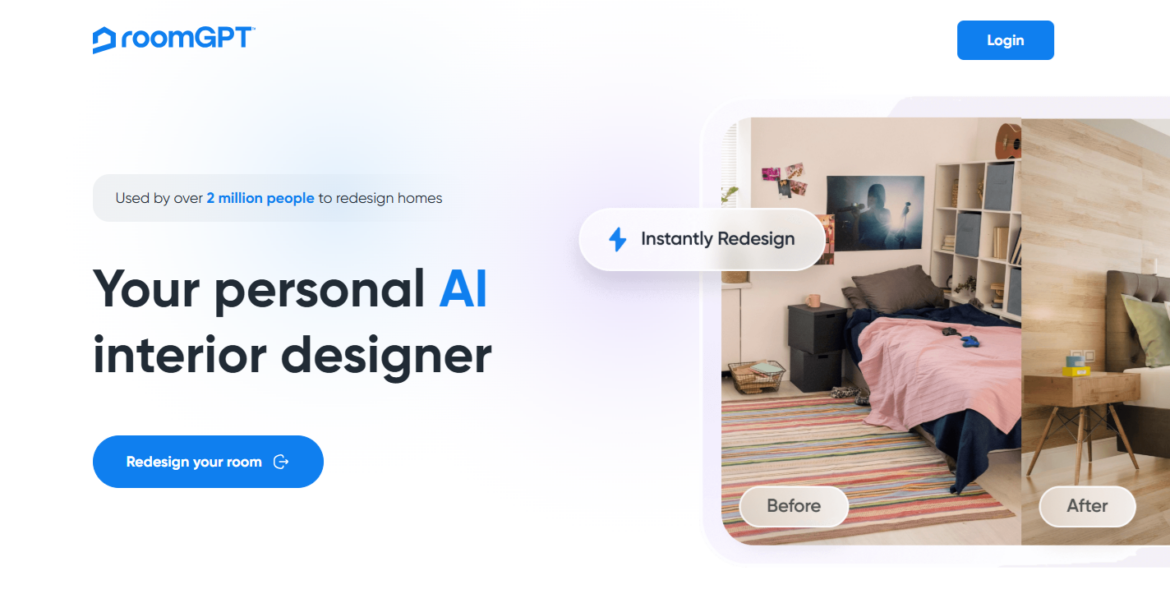
RoomGPT is a fast, browser-based AI room rendering software that lets you redesign any space with a single photo. Just upload an image of a room, choose from a variety of preset styles, and generate multiple AI-powered renderings in seconds.
While it’s best for quick visualizations rather than detailed design control, it’s incredibly useful for brainstorming layouts, exploring style directions, or creating concept images for moodboards. It’s one of the easiest tools to try, and the first render is free.
Features:
- Instant AI-generated room redesigns created directly from a photo you upload
- Multiple interior style options ranging from modern to tropical to professional aesthetics
- Ability to generate up to four variations at the same time for faster comparison
- Real-time visualization of alternate layouts, furniture styles, and material choices
- Room-type presets for bedrooms, living rooms, offices, dining rooms, and more
- Simple one-click workflow designed for non‑technical users
- Download-ready images for sharing with clients or including in concept presentations
- Supports JPG and PNG image uploads for flexible input sources
My experience:
I tried RoomGPT by uploading a photo of a basic living room, and the redesign appeared in under 10 seconds.
The results were surprisingly polished for such a lightweight tool, especially considering it handled lighting and decor changes smoothly.
While some details were a little AI-ish, the speed and ease made it great for quick concept ideation or testing a new style. It’s a fun, fast option when you want a visual starting point without doing any manual design work.
Pros:
- Extremely fast rendering speed that makes idea exploration almost instant
- Simple interface that removes the need for any design or technical experience
- Great for quick moodboard inspiration or showing clients multiple style directions
- Works well for early-stage brainstorming and DIY design experiments
Cons:
- Only one free generation, requiring credits for ongoing use
- Limited control over layout or furniture specificity in the final design
- Occasional AI errors such as distorted objects or misinterpreted room elements
Pricing:
RoomGPT offers one free generation, making it easy to test without commitment. After that, the tool uses a credit-based system: $9 for 30 credits, $19 for 100 credits, and $29 for 200 credits. Each design costs one credit, and you can render multiple variations at once by using additional credits. There is no subscription required, and you buy credits only as needed.
Ratings:
7. Fotor AI Room Generator
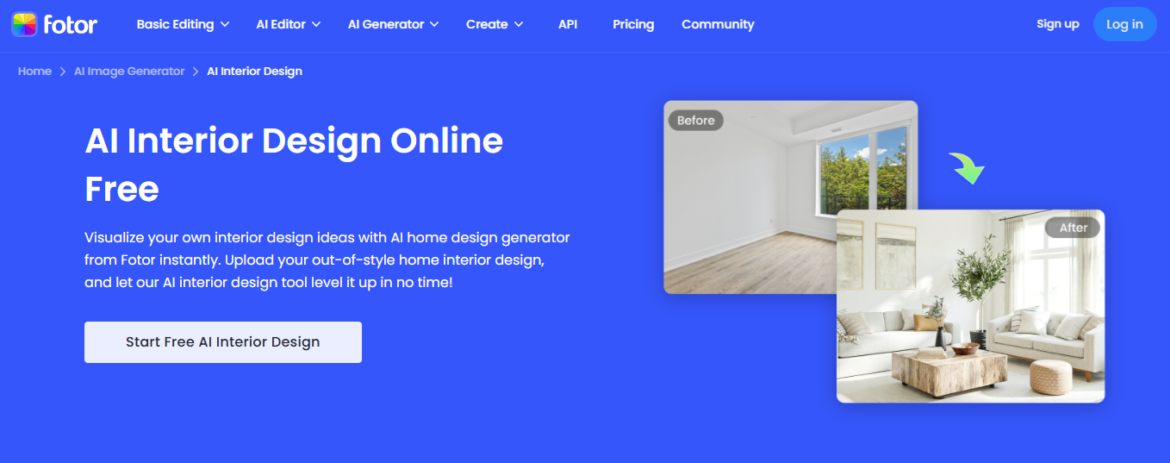
Primarily known for turning text prompts into photo-realistic room visuals, Fotor’s AI Room Generator offers a simple solution.
While it’s not a dedicated interior design platform, its AI image generation tools can be repurposed for creating moodboard-ready interior concepts or stylized space previews.
It’s great for sparking inspiration quickly, especially for creators and marketers. But if you’re looking for floor plans or product sourcing tools, this isn’t the place. Still, for fast visual mockups, it’s hard to beat the speed and simplicity.
Features:
- Text-to-image generator that can interpret prompts as interior design scenes
- AI-enhanced image tools like background removal, image upscaling, and lighting correction
- Creative filters and effects including cartoonizer, sketch, and painting styles
- Large template library for creating moodboards, design assets, and collages
- Massive library of design stickers, icons, and fonts for visual mockups
- AI photo enhancer that sharpens low-quality images or renders in one click
- Web-based editor available on desktop, Android, and iOS
My experience:
I tested Fotor’s AI image generation using a prompt for a minimalist boho living room. The results were surprisingly sharp and aesthetic, though clearly designed more for inspiration than architectural accuracy.
I used the results to quickly mock up a moodboard layout, which looked polished with minimal effort. I wouldn’t use it for client presentations, but it’s perfect when I need fast visuals to kick off a design direction or pitch.
Pros:
- Extremely easy to use, even for beginners with no design experience
- Supports fast experimentation with styles, scenes, and moods using AI text prompts
- Built-in image enhancement and background removal for refining concepts
- Works great as a lightweight tool for moodboards or content creation workflows
Cons:
- Lacks true space planning, floorplans, or product sourcing tools
- Interior outputs are entirely AI-generated, so style accuracy can vary
- Designs are static images, not interactive or editable room layouts
Pricing:
Fotor has a free plan with basic editing tools and limited AI credits. For more features and higher-resolution downloads, Fotor Pro starts at $3.99/month (billed annually), and Pro+ at $8.33/month. Both premium plans include more AI credits, watermark removal, and access to 100,000+ templates and assets. The free plan is a good entry point, but design professionals will likely need to upgrade to unlock full creative flexibility.
Ratings:
8. Maket.ai
Maket is a free AI-powered tool for architects and residential designers that generates schematic floor plans, massing models, and zoning-aware designs.
It uses generative AI to suggest layout options based on constraints like lot size, setbacks, and number of rooms—perfect for early-stage design ideation.
While not intended for photorealistic rendering, it’s an excellent assistant for architecture-driven workflows where code compliance, conceptual massing, and early visuals are the focus. If you’re starting from a blank lot, Maket gives you a running start.
Features:
- AI-powered floor plan generator that produces multiple layout variations instantly
- Support for room adjacency constraints and zoning setback rules
- Basic and advanced floor plan editing for refining schematic concepts
- Style visualizer for testing different architectural aesthetics via image prompts
- Design version control and export options including DXF, PDF, and JPEG formats
- Regulatory Assistant tool that helps you understand and follow zoning requirements
- 2D to 3D massing model conversion available on paid plans
- Shareable project links for collaboration with clients or team members
My experience:
I used Maket to test a custom floor plan layout for a 40×100 lot with specific adjacency rules between bedrooms and bathrooms.
It gave me four viable concepts in less than two minutes, and the zoning-aware suggestions saved me from several common planning mistakes.
The editing tools felt lightweight but focused, and I appreciated being able to export a DXF version for further work in CAD. It’s now one of my go-to tools for feasibility studies.
Pros:
- Great for early architectural exploration with zoning-compliant layouts and lot constraints
- AI-generated concepts are delivered fast and feel grounded in realistic planning logic
- Free version includes unlimited layout generation and basic editing
- Exports to usable file formats for architects and professionals
Cons:
- Lacks high-quality rendering or interior visualization tools
- Floor plans are schematic only and don’t support furniture or material finishes
- Image generation credits are limited unless you upgrade to the Pro plan
Pricing:
Maket offers a generous free plan with one active project, unlimited floor plan generation, basic editing, and two low-res image credits. The Pro plan costs $30/month and unlocks advanced editing, unlimited projects, high-res exports, versioning, 2D to 3D conversion, and more image credits. It’s well-priced for solo designers or architects focused on pre-design workflows, but not necessary unless you want full export access or 3D capabilities.
Ratings:
- Maket.ai doesn’t have online reviews.
9. Spacely.ai
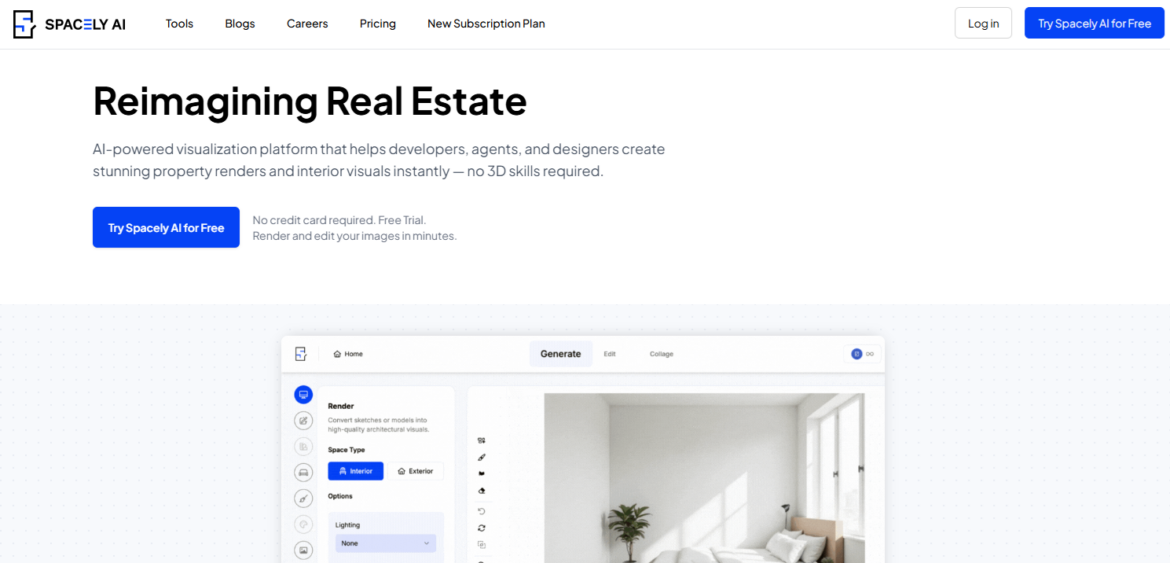
This platform offers a free AI-powered space planning and visualization tool for interior designers.
Upload a photo or start from a template to generate styled interiors in seconds. Spacely is designed for speed and visual impact, delivering photorealistic results in under a minute.
Whether you’re staging for a client or exploring design directions, it removes the need for 3D modeling entirely. You get fast visuals that help align vision before deep development begins.
Features:
- Upload your own photo or start from a blank canvas with customizable layout options
- Generate photorealistic AI renderings of interior spaces in under one minute
- Swap styles, furniture, and finishes without re-rendering from scratch
- Integrates with SketchUp for streamlined workflows with architectural tools
- Offers precision masking for editing specific parts of the image with high control
- Supports virtual staging and furniture auto-placement for multiple use cases
- 4K downloads and watermark-free exports available on paid plans
- Renders are suitable for client proposals, social media, or listing visuals
My experience:
I tested Spacely using a blank living room photo and was impressed by how fast the AI returned styled versions—within 60 seconds.
I was able to change the design style from Scandinavian to Boho and back again without needing to re-upload.
The masking tool gave me extra control over what stayed or changed, and the final output looked polished enough for client presentation. For visual iteration, it’s one of the best tools I’ve used in a browser.
Pros:
- Super-fast rendering with high-quality visuals and realistic furniture styling
- No design experience needed—ideal for quick mockups or pitching concepts
- Works with your own photos or starts from a template, giving maximum flexibility
- Free plan includes access to all core tools with decent trial credits
Cons:
- Fully dependent on credits for output—renders, edits, and downloads all consume credits
- Limited control over room layout or custom measurements
- Occasional style inconsistencies depending on image input
Pricing:
Spacely.ai has a free plan that includes 50 trial credits and full access to all features, making it great for testing. Paid plans start at $12.75/month (billed yearly) and come with 200 credits per month, private mode, 4K downloads, and watermark-free images. Higher tiers (Studio and Business) offer priority rendering speeds, more credits, and API access for scale. All plans are credit-based, and credits can be rolled over if unused.
Ratings:
10. VisualizeAI
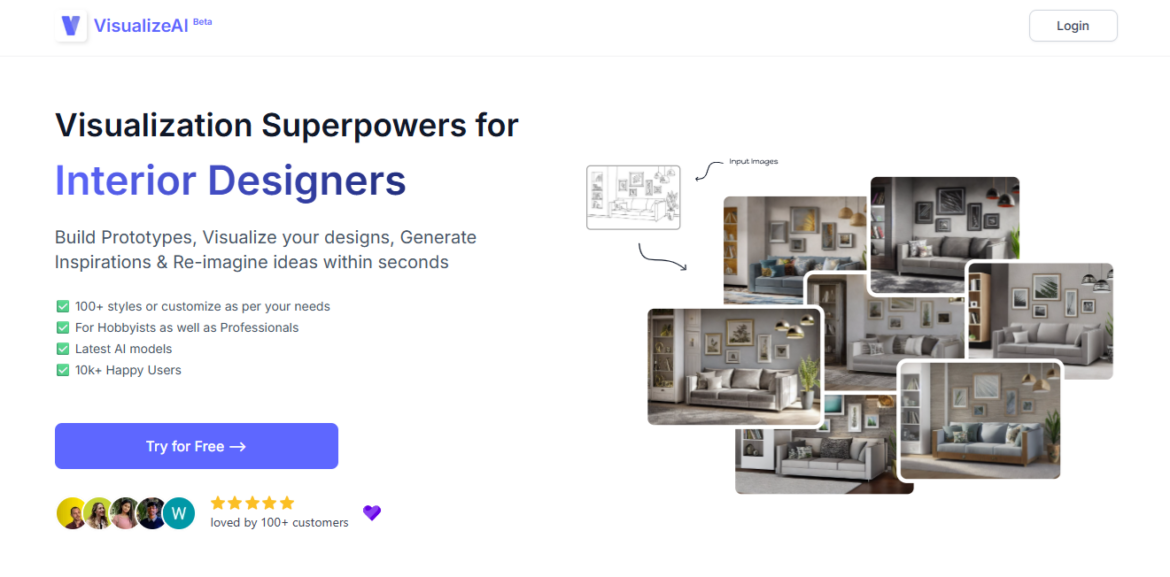
This free AI design tool turns photos of real rooms into multiple rendered variations using different interior styles. Ideal for concept development and client presentations, VisualizeAI is designed for both hobbyists and professionals who want to generate visual ideas quickly without relying on traditional rendering software.
With support for over 100 styles, it’s great for exploring layout, material, or aesthetic changes before committing to any design direction. Its speed and flexibility make it a useful creative companion.
Features:
- Upload any room photo, sketch, or render to reimagine it using AI
- Select from 100+ interior design styles or customize your own theme and colors
- Save and revisit all generated visuals in your dashboard at any time
- Re-style existing interiors by changing materials, furniture, or tones in seconds
- Convert SketchUp or modeling views into stylized photorealistic renders
- Transform concept sketches into clean, client-ready visualizations
- Visualize layout, lighting, and color choices without manual rendering setup
- Suitable for use in early prototyping, mood boarding, or presentation decks
My experience:
I tested VisualizeAI by uploading a photo of a small dining room, and within seconds I had five different style renderings—from minimalist to art deco.
I especially liked how easy it was to preview different palettes without fiddling with settings. It felt like a brainstorming partner that let me move fast and try ideas that I wouldn’t have attempted in traditional software. For rapid exploration of looks, it’s super efficient and fun to use.
Pros:
- Extremely fast rendering process makes it easy to visualize lots of options quickly
- Great range of design styles built-in, with flexibility to adjust output themes
- No design background required—just upload and go with no learning curve
- Saves all your work automatically, making it easy to come back to past concepts
Cons:
- Only three renders are free before you need a paid subscription
- Lacks advanced editing tools if you want to fine-tune structural layout or dimensions
- Style accuracy can vary slightly depending on input image quality and lighting
Pricing:
VisualizeAI is free to try, with your first three renders included at no cost. After that, the Basic plan starts at $17/month (billed annually) and includes 150 renders per month. The Pro plan is $21/month and boosts usage to 1,000 renders. Both plans support commercial use and provide access to new beta features. The pricing is straightforward and generous in terms of output volume for frequent users.
Ratings:
11. D5 Render
D5 Render is a powerful real-time 3D rendering tool that blends high-quality visuals with AI-enhanced features to speed up the architectural visualization process.
It’s designed for architects, interior designers, and landscape professionals who want fast, photorealistic outputs without a steep learning curve.
From lighting simulation to material generation, D5 uses AI to eliminate tedious setup and allow you to focus on creative decision-making and immersive presentation.
Features:
- Supports real-time rendering with advanced lighting, weather, and shadow controls for lifelike visuals
- Integrates seamlessly with modeling tools like SketchUp, Rhino, Revit, Blender, ArchiCAD, and more via Livesync
- Offers AI-powered features like material generation, image enhancement, and sky or vegetation inpainting
- Includes a library of over 15,000 ready-to-use models, textures, and scene elements for rapid scene building
- AI Style Transfer and Atmosphere Match tools help quickly change design moods and environmental context
- Allows for quick animation and pathing with motion blur, video exports, and panoramic rendering
- Enables collaborative workflows with multi-user editing and cloud-based project sharing in team plans
- Supports VR walkthroughs, immersive views, and advanced export formats for client presentations
My experience:
When I tested D5 Render, I was immediately impressed by how smooth and responsive the real-time rendering was. I used it with SketchUp via Livesync and watched lighting changes update instantly as I adjusted the model.
The AI material generation saved me hours, especially when I needed wood textures that looked ultra-realistic.
Compared to traditional rendering engines, the speed and visual output are outstanding, and the interface was far easier to navigate than I expected.
Pros:
- AI-powered tools automate many time-consuming steps in the visualization process
- Vast model and material library makes scene creation quick, especially for large-scale projects
- Livesync integrations provide real-time updates between D5 and your modeling software
- Output quality is consistently excellent, with photorealistic lighting and atmospheric depth
Cons:
- Requires a powerful computer with a compatible GPU to run smoothly
- Many of the advanced features are locked behind the Pro or Teams plans
- The learning curve still exists if you’re brand new to 3D visualization or rendering software
Pricing:
D5 Render has a free Community plan that includes unlimited projects, major file format imports, real-time rendering, and a basic asset library of around 2,000 items. For full access to AI features, VR walkthroughs, advanced exports, and a premium 15,000+ asset library, the Pro plan is available at $30/month or $360/year. Teams can opt for collaborative tools and cloud-based workflows starting at $59/month per seat.
Ratings:
12. Twinmotion
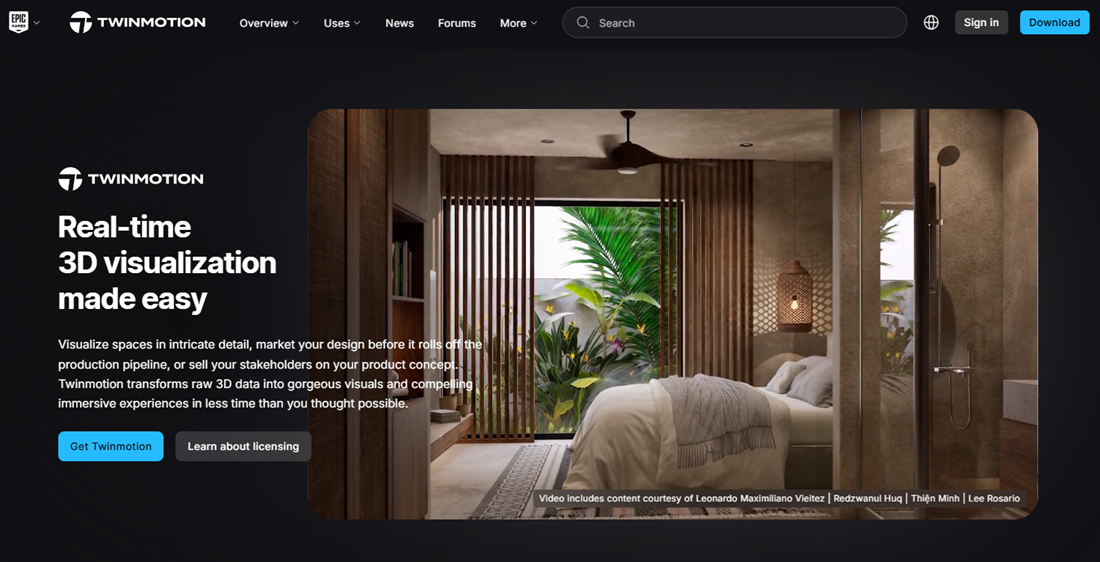
Twinmotion is a real-time 3D visualization platform built for architects, designers, and creators who want fast, photorealistic results.
It bridges the gap between CAD/BIM models and polished renderings—delivering high-quality visuals, immersive experiences, and VR compatibility without a steep learning curve.
With powerful integrations, expansive asset libraries, and Unreal Engine technology under the hood, it’s a go-to tool for turning designs into stunning presentations in minutes, not days.
Features:
- Converts BIM and CAD models into high-quality stills, animations, and VR walkthroughs with real-time editing
- Seamless integration with major modeling platforms like SketchUp, Revit, Rhino, Archicad, and Vectorworks
- Powered by Unreal Engine 5, enabling next-gen visuals like Nanite geometry and Lumen global illumination
- Access to over 1 million built-in assets including people, materials, decals, vegetation, and lighting setups
- Live link syncing via Datasmith to reflect changes from modeling software instantly in Twinmotion
- Path Tracer and real-time ray tracing support for film-quality rendering
- Twinmotion Cloud for sharing interactive projects online (paid plans only)
- VR-ready outputs and panorama exports for immersive stakeholder presentations
My experience:
When I used Twinmotion with a SketchUp model, I was shocked by how fast I could create lifelike visualizations. The lighting tools alone took my basic model and turned it into a polished scene within half an hour.
I especially appreciated how intuitive the UI was, considering how powerful the backend is. The VR export worked flawlessly during a client walkthrough, which left a big impression. It’s easily one of my favorite tools for presentation-ready output.
Pros:
- Real-time rendering means instant visual feedback without long processing delays
- Built-in assets and visual effects allow for fast, cinematic presentations with minimal setup
- Integrates tightly with leading architecture tools for seamless workflow transitions
- VR and cloud sharing elevate the experience for clients and stakeholders
Cons:
- High performance demands require a strong GPU and modern hardware to run smoothly
- Twinmotion Cloud and advanced features are only available in the paid tier
- Export customization can feel limited compared to full Unreal Engine workflows
Pricing:
Twinmotion is free for individuals, students, and businesses generating under $1 million annually. This free version includes all core features, updates, and community support. For commercial users exceeding that threshold, paid seats cost $445/year and include access to Twinmotion Cloud and additional sharing tools. A more comprehensive bundle is also available via the Unreal Subscription at $1,850/year, which includes access to Unreal Engine and RealityScan.
Ratings:
13. Arkdesign.ai
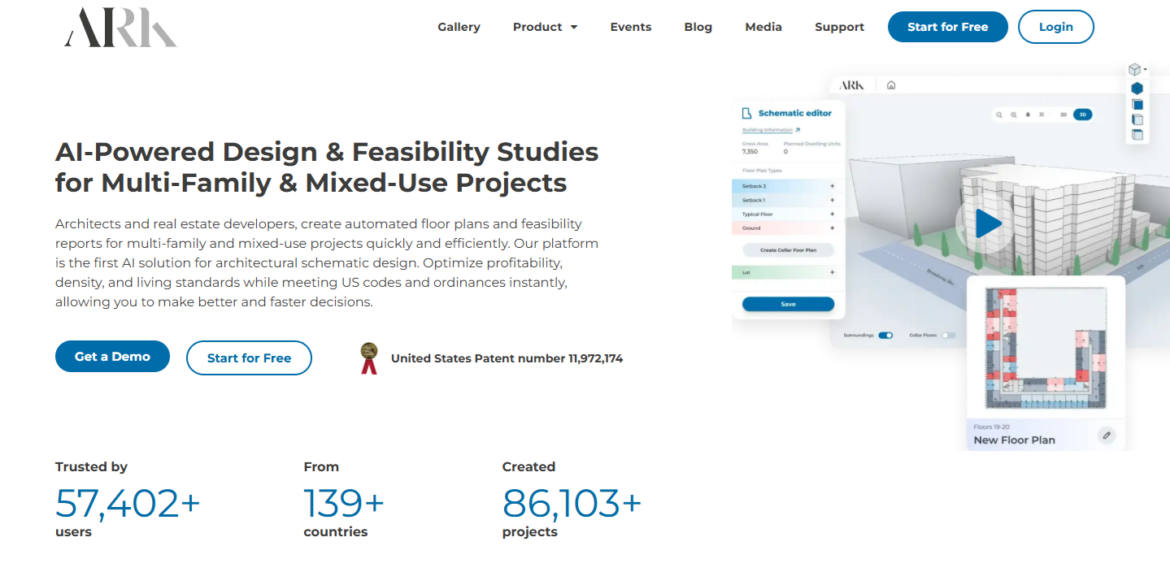
As a powerful AI-based schematic design tool, Arkdesign.ai is built specifically for architects and developers working on multi-family and mixed-use projects.
It generates code-compliant floor plans and feasibility studies in minutes, helping you optimize space, density, and profit early in the design process.
With built-in zoning intelligence and automation for core layout tasks, Ark helps professionals move from idea to actionable plan faster—without compromising on buildability or efficiency.
Features:
- Automated schematic generation for multi-family and mixed-use buildings based on project constraints
- Built-in zoning code and ordinance compliance for faster, regulation-ready concepts
- AI-optimized layouts to maximize saleable area, unit count, and efficiency ratios
- Auto-generated area tables, unit mixes, and core layouts like stairs and elevators
- Project sharing and collaboration tools including uploads, downloads, and team access
- Revit export options for downstream architectural documentation (premium plans only)
- In-app tutorials, knowledge center, and design certifications for professionals
- Visual interface to manage multiple buildings, split towers, and adjust templates
My experience:
I tested Arkdesign.ai with a hypothetical 10-story residential lot, and the tool generated multiple compliant layouts in under five minutes.
The zoning integration saved me from hours of code-checking, and I loved how quickly I could iterate room counts and massing.
It definitely feels more tailored to real developers than conceptual artists—but that’s exactly the point. It’s practical, fast, and surprisingly detailed for early-phase design.
Pros:
- Built specifically for architects and developers tackling large residential or mixed-use projects
- Smart zoning and regulation checks are automated, saving time on feasibility analysis
- PDF reports and area tables make client and stakeholder presentations easy to prep
- Clean interface with minimal learning curve and ample tutorial support
Cons:
- Focused on schematic design only—lacks detailed rendering or interior customization
- Limited to three projects and PDF reports on the free tier
- Revit export and AI certification are locked behind the highest-priced plan
Pricing:
Arkdesign.ai has a free plan that includes 3 projects and 3 PDF reports, ideal for getting a feel for the platform. The Pro Plan starts at $180/month (billed annually), unlocking unlimited projects and 650 AI generations. The Premium Plan, priced at $1,800/month, includes full AI access, Revit exports, and one-on-one consulting with licensed architects. All plans include access to tutorials and the Ark certification program.
Ratings:
- Not reviewed online
14. MyArchitectAI
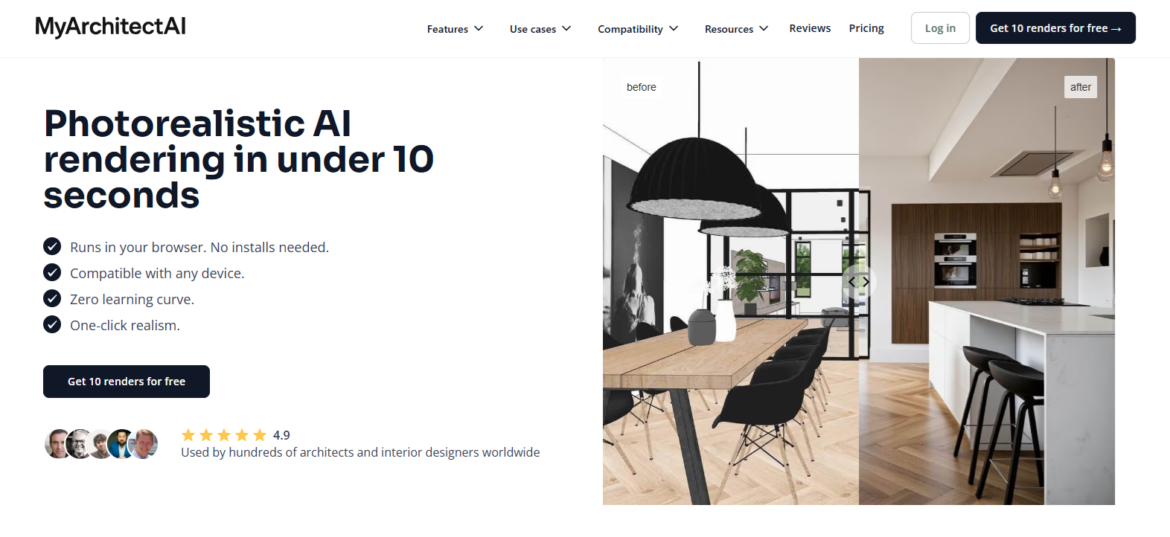
MyArchitectAI is a browser-based AI rendering tool used by interior designers, architects, and students to generate fast, photorealistic visuals with zero learning curve.
Just upload a sketch or exported image, apply a style, and the platform delivers an enhanced render in seconds—no installs, no 3D skills needed.
It’s ideal for early-stage client presentations, fast ideation, and high-quality mockups, making it a favorite among pros who need speed, polish, and flexibility without traditional rendering bottlenecks.
Features:
- AI-powered rendering engine that transforms CAD exports, sketches, or design images into 4K photorealistic visuals in seconds
- Built-in style transfer tool that applies design references while preserving layout and structure
- Editing tool to update materials, lighting, and specific image areas without rerendering from scratch
- AI enhancer that upgrades low-res or flat images into detailed, realistic presentations
- Fast cloud-based performance with no downloads or system requirements—works on any device
- Private rendering, secure data handling, and full IP ownership on all generated visuals
- In-browser interface with no learning curve, perfect for quick presentations or experimentation
- Optional 1:1 training sessions and live chat support directly from the founders
My experience:
I tested MyArchitectAI on a few SketchUp exports and was genuinely impressed by the speed and realism.
The AI kept the core structure of my model intact while drastically improving textures and lighting—without me having to tweak a dozen settings.
I found the style transfer especially useful for client-facing visuals. While it’s not a replacement for high-end render tools like V-Ray in production, it’s quickly become my go-to for fast concept visualization and feedback rounds.
Pros:
- Incredibly fast rendering times with no software setup or technical experience required
- Surprisingly high image quality for conceptual work, even with rough sketches or line drawings
- Extremely easy to use with intuitive controls and minimal setup friction
- Commercial use allowed with Pro plan, including full ownership and high-res downloads
Cons:
- Inconsistent results when using advanced edits—may take multiple prompts to get it right
- Prompt-based editing has a learning curve and lacks precise control over objects or textures
- Additional credits required for edits even after subscribing, which can feel limiting at times
Pricing:
MyArchitectAI offers a free tier with 10 renders and 10 edits for trial use. The Pro plan starts at $29/month and unlocks unlimited renders, unlimited edits, 4K image downloads, and full commercial licensing. There’s also a custom-priced Team plan with volume discounts and admin features. All plans run directly in your browser, and there’s no long-term commitment—cancel anytime.
Ratings:
Top 9 paid AI rendering software
Below, we cover the top AI rendering platforms that only offer paid subscriptions.
Comparison table for platform focus
| Tool | Best For | Pros | Cons |
| ArchiVinci | Designers who want fast, photorealistic renders from sketches or photos | Fast and polished sketch-to-render output; no learning curve; unlimited renders on most plans; includes 8K and panorama export | No 3D model imports; coin-based pricing for advanced tools; lacks team collaboration features |
| DecaAI | Homeowners and pros looking for easy photo-based transformations | Super simple UX; great for interiors, exteriors, and gardens; works across devices; fast style switching | Not built for pro workflows; no CAD integration or 3D exports; lacks lighting/material editing depth |
| HomeVisualizer.ai | Professionals who want premium quality photo-based interiors | Handles sketches, elevations, and photos; client-ready results; Custom Requests for personalized styling | Render limits on each tier; no 3D modeling or floor planning; misses detail in low-quality images |
| Foyr Neo | Designers who need end-to-end 2D/3D design and rendering in one place | Combines layout, 3D modeling, and photorealistic render; fast cloud performance; huge model catalog | Lower-tier plans have limited render credits; catalog search could be improved; not for advanced CAD detailing |
| Enscape | Architects needing real-time rendering inside CAD software | Instant walkthroughs from CAD tools; very lightweight; AI ideation tools; ideal for live client reviews | Not hyper-realistic like V-Ray; clients may assume it’s a final image; limited cinematic customization |
| Autodesk Revit | AEC professionals needing BIM + integrated visualization | Built-in documentation and modeling; strong CAD interoperability; AI analysis via Forma; reliable for coordination | Complex learning curve; expensive; not ideal for final rendering unless paired with plugins |
| Archi AI | Beginners and real estate agents needing fast AI design from photos | Easiest to use; instant room redesigns; affordable unlimited plan; no watermark, no install needed | Limited control over design elements; quality depends on photo clarity; lacks floor planning or 3D model options |
| Lumion | High-speed rendering with cinematic control for pros | Fast, beautiful renders; intuitive controls; CAD integration; cloud sharing; large asset library | Pricey annual upgrades; lighting still needs tweaking for realism; Windows-only and hardware-intensive |
| Coohom | Designers who want fast browser-based 3D rendering + walkthroughs | Ultra-fast cloud rendering; great drag-and-drop UX; panoramic views; huge 3D model library | Less realism than high-end desktop apps; fewer lighting/material controls; not ideal for architectural customization |
Comparison table for features and pricing
| Tool | Top Features | Pricing | Description of Paid Plans |
| ArchiVinci | Sketch-to-render, 8K output, inpainting tools, AI staging, video rendering, panorama, style transfer | $39 (3-day), $79/mo, $699/year | One-time plans with unlimited renders during active period; includes high-res export, 4 parallel renders, commercial license; premium features like ArchiGPT require coins. All plans include unlimited renders, watermark-free exports, full platform access, 200% speed boost; best value in the yearly plan at ~$0.16/day. |
| DecaAI | Photo-to-room redesign, interior/exterior/garden, furniture replacement, curated style gallery | $7.99/week, $59.99/year, $199.99 lifetime | All plans include unlimited renders, watermark-free exports, full platform access, 200% speed boost; best value in the yearly plan at ~$0.16/day. |
| HomeVisualizer.ai | Upload sketches/photos for high-res redesign, style swapping, Auto Style/Custom Request modes | $12/mo (250 renders), $21/mo (1,000 renders), $75/mo (5,000 renders) | All tiers include commercial license and access to all features; Pro tier offers more renders per month; save up to 35% with annual billing. |
| Foyr Neo | 2D/3D design, 4K rendering, 360° walkthroughs, cloud-based modeling, 60K+ item catalog | $39/mo (30 renders), $89/mo (90 renders), $159/mo (210 renders) | All plans include unlimited projects; higher tiers add 3D walkthroughs, advanced exports, and custom model requests; 14-day free trial available. |
| Enscape | Revit/SketchUp/Rhino plugin, real-time rendering, Chaos Cosmos asset library, AI ideation tools | $47.90/mo (Solo), $52.90/mo (Premium), $94.90/mo (ArchDesign Collection) | Premium adds AI-powered features; ArchDesign includes sustainability tools; all tiers billed annually with 14-day free trial and money-back guarantee. |
| Autodesk Revit | BIM modeling, cloud collaboration, AI massing studies, Forma integration, CAD exports | $3,675/year or $307/mo (billed annually), $460/mo | Available through Autodesk AEC Collection (includes AutoCAD, Civil 3D, Forma); best for large firms needing full documentation + modeling + rendering. |
| Archi AI | Upload photo → instant redesign, supports interiors/exteriors, unlimited style swaps | $19/mo (100 renders), $29/mo (unlimited renders) | Both plans include high-res downloads, commercial use, and access to all features; browser-based with no install required. |
| Lumion | Real-time rendering, CAD integration, cinematic effects, 10K+ assets, AI sky and lighting tools | $229/year (View), $1,149/year (Pro), $1,499/year (Studio Bundle) | Pro includes full tools, 8K output, cloud sharing; Studio adds team licensing and collaboration; all plans include updates and cloud access. |
| Coohom | Drag-and-drop 3D editor, AI layouts, 720° panoramas, 60K+ model library, photo studio | Pricing not fully listed; pro plans available by quote | Free tier available with limitations; paid plans unlock faster rendering, premium assets, more storage; business pricing available via demo request. |
1. ArchVinci
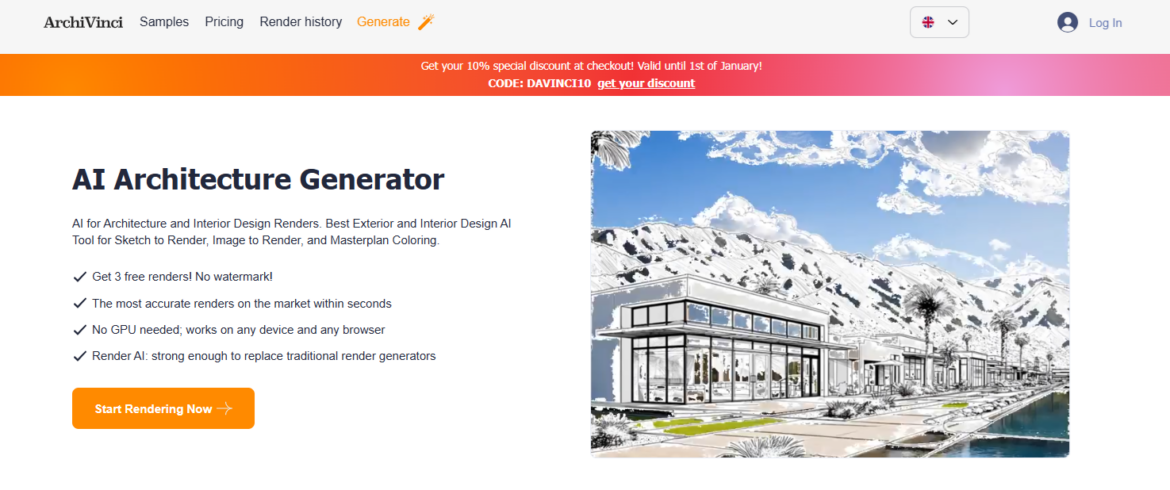
ArchiVinci is a powerful browser-based AI rendering platform designed specifically for architecture and interior design. From sketch to photorealistic render, it delivers high-quality visuals within seconds—no GPU or software installation required.
The platform supports interiors, exteriors, masterplans, virtual staging, and even AI-powered concept generation. It’s ideal for professionals who want to accelerate concept development, test multiple design ideas quickly, and deliver polished visuals without the steep learning curve of traditional rendering engines.
Features:
- Sketch-to-render and photo-to-render modules that generate photorealistic results instantly
- Specialized AI tools for interiors, exteriors, urban masterplans, and virtual staging workflows
- AI-powered tools to modify architecture, update interiors, and test lighting, color, and décor
- Built-in style transfer, image upscaling, and video rendering for moodboards and client presentations
- Inpainting and element-removal tools to refine renders without starting from scratch
- 360° panorama generator and 8K image output for immersive and high-resolution exports
- Coin-based advanced modules like ArchiGPT for prompt-based design refinement and image-to-video creation
- Commercial license included with paid plans for professional use in marketing or client projects
My experience:
I uploaded a hand sketch of a small residential layout and used the “Exact Render” tool—it gave me a realistic output in less than a minute.
What really impressed me was the flexibility to tweak the lighting and generate alternative styles without needing any rendering background.
I also used the AI Room Design tool for a staging concept, and it saved me hours. It’s a great tool when I need visuals fast but still want polish and professionalism.
Pros:
- Delivers fast, studio-quality visuals directly from sketches, screenshots, or concept images
- Offers an extensive suite of AI tools for every stage from ideation to client-ready rendering
- No installation or learning curve—runs in the browser and supports high-res outputs
- Unlimited renders on most plans make it ideal for high-volume designers and agencies
Cons:
- No native support for importing 3D model files like .skp or .obj—must upload images only
- Coin-based pricing for premium features (like video) can be limiting for heavy users
- Lacks collaboration features like team workflows or shared libraries (as of now)
Pricing:
ArchiVinci offers one-time payment plans with unlimited renders during the active period. A 3-day plan costs $39, a monthly plan is $79, and a full-year plan is $699. All plans include commercial use rights, upscaling tools, and 4 parallel renders. For video generation and ArchiGPT, users need to purchase additional coins. Once a plan ends, the account reverts to the free tier (no rendering access).
Ratings:
2. DecaAI
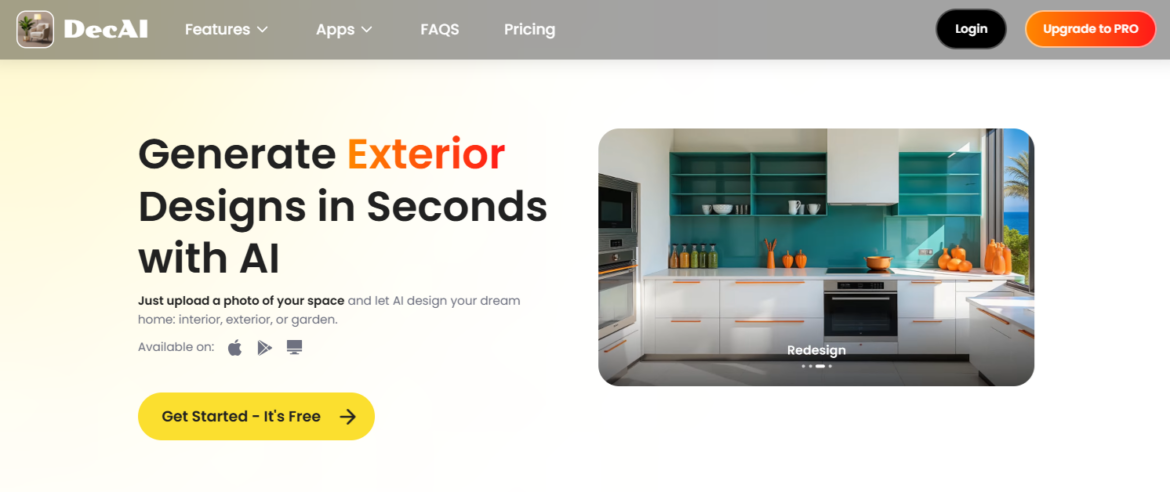
DecaAI is an AI-powered rendering platform built for architects, interior designers, and homeowners who want to explore visual transformations without needing technical design skills.
From interiors and exteriors to garden makeovers and furniture swaps, the app uses photo-based inputs to instantly generate high-quality, photorealistic visuals.
Whether you’re redesigning a bedroom or planning a landscaping overhaul, DecaAI delivers fast, inspiring concepts in just a few clicks—perfect for idea generation, client communication, or visual planning.
Features:
- AI-powered interior design tool that lets you reimagine colors, furniture, and décor with a single photo
- Exterior makeover generator that redesigns home facades and architectural finishes in seconds
- Garden and landscape design feature that suggests layouts and planting arrangements using AI
- New wall and flooring modules that allow you to test surface changes without physical renovations
- Furniture replace and cleanup tools that enable quick updates to style, layout, or staging
- A style gallery offering 30+ curated aesthetics like Japandi, Mid-Century, Zen, and Mediterranean
- Multi-platform access including web, iOS, iPadOS, and Android for flexible design from any device
- Instant download of high-resolution visuals for presentations or moodboards
My experience:
I used DecaAI to experiment with a few outdated rooms in my home, and it was surprisingly fun and easy. I uploaded a photo of my living room, selected a coastal style, and within seconds had a realistic visual that matched my design goals.
I appreciated how seamless it was to switch styles, try a new wall color, and test flooring without re-uploading. It’s a great tool for visualizing ideas quickly without the commitment of full 3D modeling.
Pros:
- Delivers instant visual results across multiple design areas using just a photo
- Simple and intuitive interface makes it easy to explore style variations without any training
- Affordable yearly pricing with access to unlimited renders and full feature set
- Cross-platform sync means you can design on your phone, tablet, or desktop seamlessly
Cons:
- Not ideal for professional architectural workflows or CAD-based inputs
- No options for exporting to 3D models or technical formats like DWG or OBJ
- Lacks advanced lighting or atmospheric controls for detailed rendering precision
Pricing:
DecaAI offers three paid plans: $7.99 per week, $59.99 per year, or a one-time lifetime purchase at $199.99. All plans include unlimited renders, access to all AI features, 200% faster processing, and no watermarks. The annual plan is the most popular and offers excellent value at just $0.16/day.
Ratings:
- Not reviewed online
3. HomeVisualizer.ai
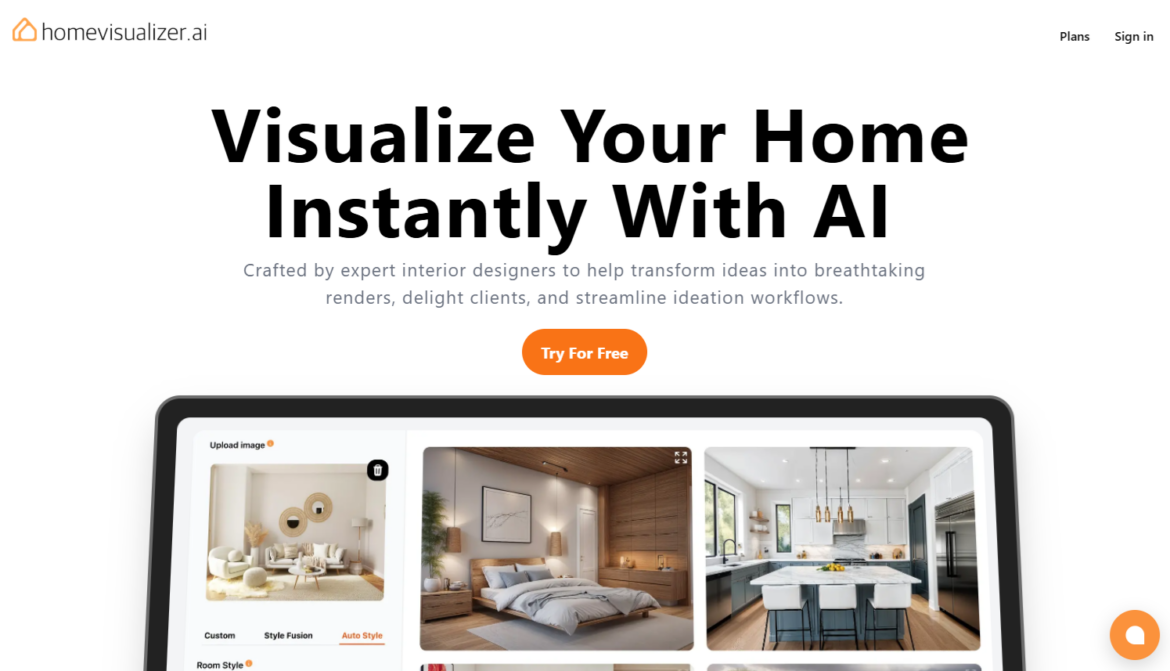
Need a premium AI-powered design tool with fast, photo-based visualizations? HomeVisualizer.ai excels at transforming uploaded room photos, sketches, or elevations into hyper-realistic interiors using modern AI design techniques.
Whether you’re staging a property, presenting to clients, or ideating your next remodel, it offers reliable, professional-quality visuals in seconds—with options to fine-tune furniture, finishes, and design styles to fit your vision.
Features:
- Upload photos, sketches, renders, or elevations and instantly turn them into photorealistic interior designs
- Choose from Auto Style, Custom Requests, or Style Fusion to explore different visual approaches
- Easily swap styles, furniture, color palettes, or entire design themes using curated templates
- Designed with interior professionals in mind, but simple enough for homeowners to use without training
- Offers advanced rendering from even low-fidelity or rough-drawn inputs with minimal setup
- Built-in design modes for room, landscape, exterior, and kitchen design
- Privacy-focused, with strict data security and no AI training on user uploads
- Works well across use cases including real estate staging, client proposals, and contractor planning
My experience:
I tested HomeVisualizer.ai by uploading a basic sketch of a living room I was reworking, and the results were surprisingly refined. The platform kept the spatial integrity of the original sketch while overlaying professional finishes in the modern style I selected.
It was especially helpful for showing side-by-side style variations to a client who was undecided. I also appreciated the Custom Request option for specifying furniture types and colors.
Pros:
- Handles everything from rough sketches to full-resolution room photos with consistently strong output
- Designed to support real client workflows with customization options, high-quality exports, and commercial licenses
- Extremely helpful for rapid ideation and visual communication in professional settings
- Regularly updated with fresh style options and intuitive rendering modes
Cons:
- Monthly render limits mean heavy users may need a higher-tier plan
- No 3D model exports or walkthrough capabilities—strictly 2D imagery
- Design results may occasionally miss fine material details if the photo is low quality
Pricing:
HomeVisualizer.ai offers three paid plans: Standard at $12/month (250 renders), Pro at $21/month (1,000 renders), and Business at $75/month (5,000 renders). All plans include access to all design modes, watermark-free downloads, and either personal or commercial licenses depending on tier. Annual billing saves up to 35%, and all subscriptions include cloud storage and cancellation flexibility.
Ratings:
- HomeVisualizer.AI doesn’t have public ratings.
4. Foyr Neo
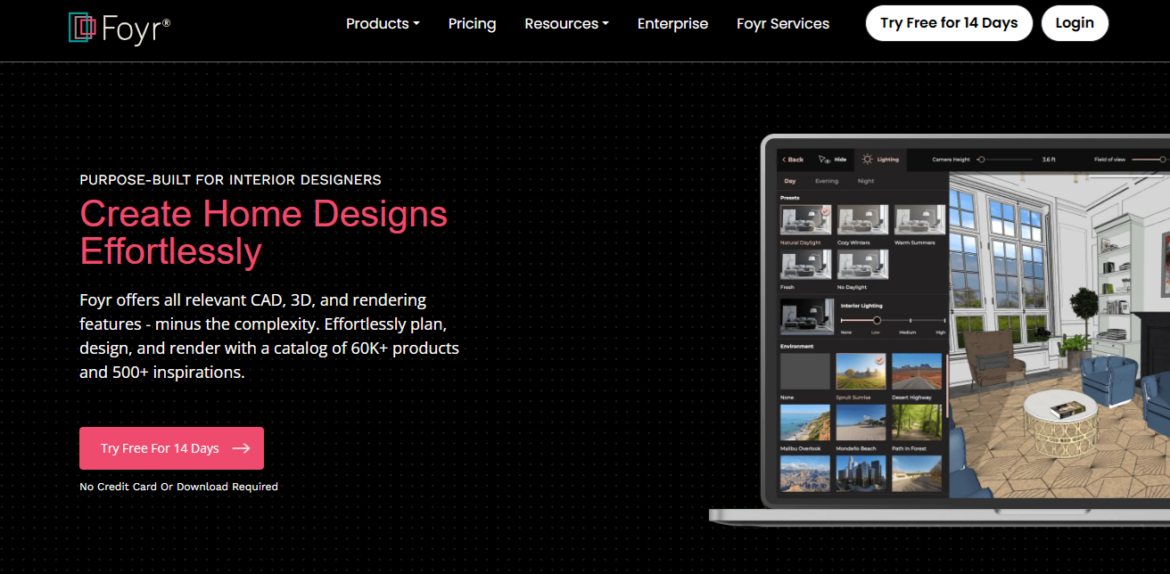
Foyr Neo is a fast, cloud-based interior design platform built for professionals who want to skip the learning curve of traditional CAD tools.
It combines 2D planning, 3D modeling, and photorealistic rendering in one intuitive workspace. With features like 4K rendering, 360° walkthroughs, and a 60K+ model catalog, it’s perfect for streamlining client presentations and internal workflows.
Designers can ideate, iterate, and deliver professional visuals—all from a browser, without taxing their device.
Features:
- Easy-to-use interface for creating 2D floor plans and editing spaces in real-time
- Built-in catalog with over 60,000 furniture and decor models to drop directly into scenes
- Fast photorealistic 4K rendering with no special hardware required
- Ability to create virtual walkthroughs and immersive presentations
- Moodboard creator and built-in shopping list to support project tracking
- Branded catalogs and exportable files including PDFs and CAD-compatible formats
- Real-time augmented reality (AR) views to see designs in actual spaces
- Access from any device via browser with cloud-based collaboration and storage
My experience:
I tried Foyr Neo to model a small open-plan living and kitchen space, and I was able to go from layout to 3D render in under an hour.
The drag-and-drop tools and editing interface felt much easier than traditional CAD. The walkthrough feature was especially helpful for showing flow and scale to my client. I didn’t need to worry about software crashes or upgrading my computer—it all happened in the cloud.
Pros:
- Combines planning, modeling, and rendering in a single platform with minimal learning curve
- Delivers fast and surprisingly high-quality 3D renders with optional 360° tours
- Ideal for client-facing presentations with moodboards, branded assets, and walkthroughs
- Huge template and object library with customizable furniture and decor options
Cons:
- Users on the Basic plan may quickly run out of render credits and need to upgrade
- Search functionality in the catalog could be more refined for filtering specific items
- Limited architectural detailing options compared to advanced modeling software
Pricing:
Foyr Neo offers three paid plans: Basic at $39/month (30 render credits), Standard at $89/month (90 render credits + 3D walkthroughs), and Premium at $159/month (210 render credits + custom model requests and advanced export options). All plans include unlimited projects and cloud storage. A 14-day free trial is available with no credit card required.
Ratings:
5. Enscape by Chaos
Enscape is a real-time rendering and visualization plugin used by thousands of architecture and design firms for its speed, simplicity, and seamless CAD integration.
With one click, it generates immersive 3D walkthroughs and high-quality renders directly from tools like Revit, SketchUp, Rhino, and Archicad. Recent AI-powered features like scene enrichment and ideation support fast, iterative workflows while keeping hardware demands low. Enscape is ideal for design development, client presentations, and internal reviews.
Features:
- One-click visualization for instant walkthroughs and client-ready renderings
- AI-enhanced scene enrichment and ideation tools to boost creative output
- Native integration with major CAD/BIM tools like Revit, SketchUp, Rhino, and Archicad
- Real-time rendering engine that updates instantly as you model
- Access to Chaos Cosmos library with over 14,000 3D assets and materials
- Easy-to-use interface that requires minimal training or technical background
- Cross-platform support for both Windows and Mac
- Thermal comfort analysis and energy performance tools for early-stage sustainability insights
My experience:
I used Enscape for an early-stage residential concept, and the real-time rendering feature helped me make live material and layout adjustments with the client on a Zoom call. The plugin was impressively responsive, even on my mid-range laptop.
I appreciated that I didn’t need to fiddle with lighting setups or export settings. It just worked. For quick visual feedback and presentations that don’t require hyper-photorealism, it’s one of the most practical tools I’ve tried.
Pros:
- Extremely fast rendering and real-time updates directly inside your modeling environment
- No need for advanced render setup or lighting adjustments to get decent outpu
- Ideal for client meetings where live edits and walkthroughs help drive decisions
- Lightweight system requirements compared to high-end rendering engines
Cons:
- Realism may fall short compared to tools like V-Ray or D5 Render for final production imagery
- Clients may mistakenly assume renders represent final built conditions due to visual clarity
- Limited control over complex scene lighting or cinematic render settings
Pricing:
Enscape offers three tiers: Solo at $47.90/month (billed annually), Premium at $52.90/month with AI ideation and scene enhancement tools, and the ArchDesign Collection at $94.90/month for full-feature access including Envision and sustainability tools. A 14-day free trial is available, and all plans include ongoing updates, training resources, and a 14-day money-back guarantee.
Ratings:
6. Autodesk Revit
Autodesk Revit is a BIM powerhouse widely used across architecture, engineering, and construction. It combines robust 3D modeling tools with cloud collaboration, real-time rendering, and increasingly powerful AI enhancements.
Revit excels at integrating documentation, modeling, and coordination into one seamless workflow.
Though it’s not a pure rendering tool like others on this list, its advanced visualization tools are enough for most internal reviews and client presentations—especially with plugins or paired render engines.
Features:
- Real-time 3D modeling with integrated building information data
- Cloud-based collaboration for multi-disciplinary coordination
- Automated documentation generation across project views
- Compatibility with top industry tools like AutoCAD and Navisworks
- Smart component families for custom, parametric objects
- AI-assisted massing studies and environmental analysis via Forma
- Libraries of free downloadable families and shared components
- Strong integration with rendering engines like Enscape and Twinmotion
My experience:
I’ve used Revit both independently and with paired tools like Enscape, and I’ve found it incredibly efficient for cross-team coordination.
Once I got over the initial learning curve, it became my go-to for both design and documentation.
I especially like how it handles changes across the model and updates every associated view instantly. While not the flashiest rendering engine, it’s precise, dependable, and pairs well with others when high-quality visuals are needed.
Pros:
- Deep integration with AEC workflows and cloud-based collaboration
- Automated updates to plans, sections, and schedules as models evolve
- Strong performance for large, complex projects with multiple users
- Vast online support community and industry-standard training resources
- Access to additional analysis and simulation tools via the AEC Collection
Cons:
- Steep learning curve, especially for teams transitioning from AutoCAD
- Resource-intensive on lower-end machines, particularly with large files
- Lacks native high-end rendering unless used with plugins
Pricing:
Revit is available through Autodesk’s AEC Collection, which bundles several design tools. An annual subscription costs $3,675/year (or $307/month if paid annually), while the monthly plan is $460/month. The collection includes Revit, AutoCAD, Civil 3D, and Forma, offering significant value for teams managing full project pipelines. Autodesk also provides a 30-day money-back guarantee and educational discounts.
Ratings:
7. Archi AI
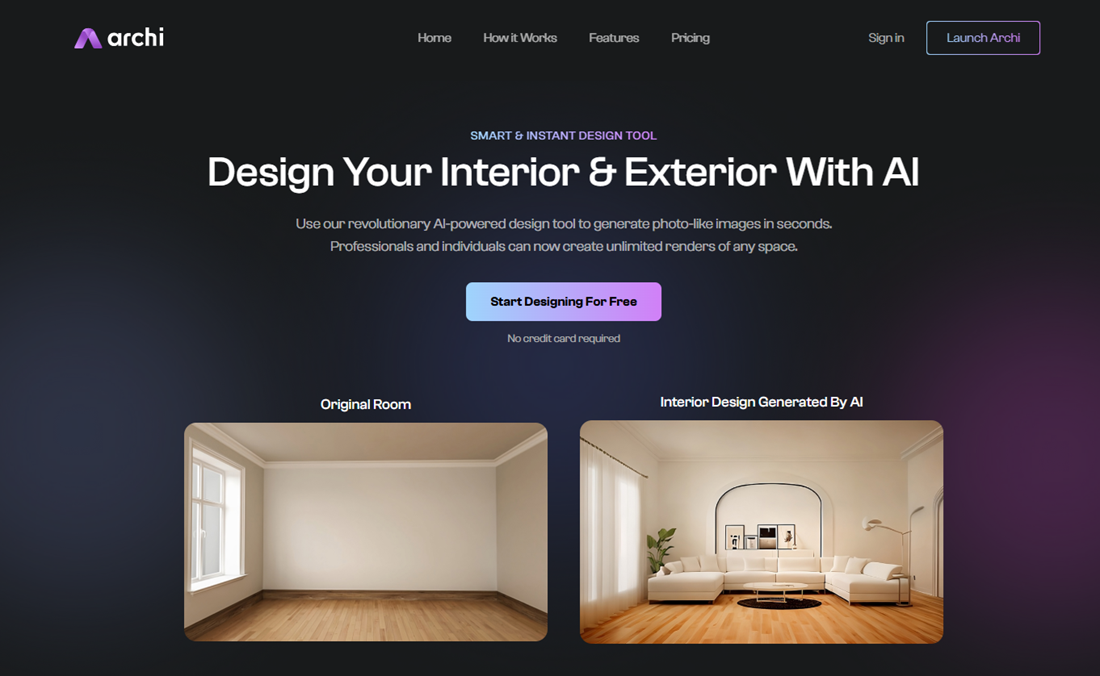
Archi AI is a beginner-friendly AI rendering platform designed to make staging and interior visualizations as simple as uploading a photo.
With its clean UX and automated workflow, it’s ideal for real estate agents, design enthusiasts, and professionals seeking fast concept previews. You simply choose a room photo, pick a style, and let Archi’s AI do the rest—no rendering experience required. With low-cost plans and unlimited design potential, it’s one of the most accessible tools in this space.
Features:
- Fast AI-powered design generation using uploaded photos of interiors or exteriors
- Style selection tool to guide the AI in generating on-brand or custom-looking spaces
- Interior and exterior room support including kitchens, bathrooms, bedrooms, and more
- Streamlined three-step workflow from photo to render with zero setup time
- Unlimited design variations for experimentation and client ideation
- Real-time render previews that show before-and-after transformations
- Commercial license included on all paid plans with no watermarks
- Compatible with any image format, no hardware or software installs needed
My experience:
I tested Archi AI by uploading a photo of a blank living room and selecting a few styles through their form. The results came back in seconds, and I was impressed with the realism of the generated scenes.
While I wouldn’t use it for final project visuals, it was great for quickly brainstorming layout and decor ideas. It’s an easy way to test creative directions and showcase options to clients without much prep.
Pros:
- Extremely simple to use, even for those with no design or rendering experience
- Delivers fast, photorealistic results from ordinary photos without extra tools
- Affordable pricing makes it accessible for hobbyists and professionals alike
- No watermark or resolution limitations on paid plans, making results client-ready
Cons:
- Less control over specific design elements, making edits limited compared to 3D platforms
- Output quality can be inconsistent depending on input photo clarity and lighting
- Not ideal for complex or technical design visualizations like floor plan integrations
Pricing:
Archi AI offers two affordable subscription plans: Pro at $19/month for 100 renders and Unlimited at $29/month for unlimited renders. Both plans include commercial use rights, high-res exports with no watermark, and access to all current features. No long-term commitment is required, and setup is instant through your browser or mobile device.
Ratings:
8. Lumion
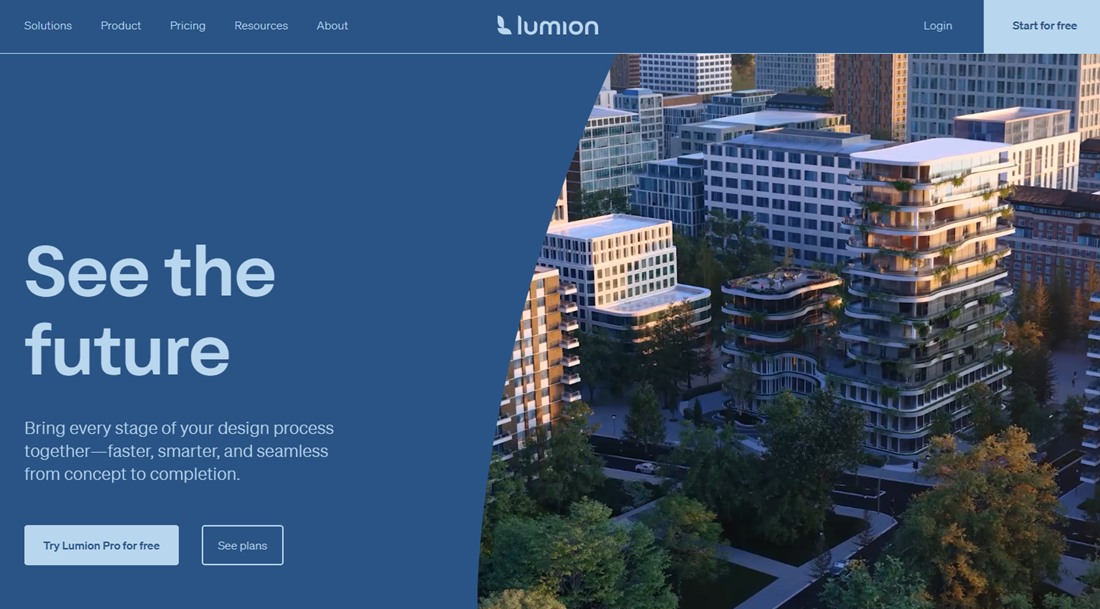
With Lumion, you get a powerhouse rendering tool used by architects and designers who need speed, realism, and ease of use.
The news version includes several smart features, like AI-powered sky improvements, material enhancement suggestions, and lighting optimization to automate the polishing process.
Known for its intuitive interface and high-speed rendering capabilities, Lumion shines in concept-to-final workflows, especially for professionals needing visually compelling outputs with tight turnarounds.
Features:
- Real-time rendering integration with Revit, SketchUp, and other major CAD/BIM tools
- AI image upscaler that sharpens renders up to 8K without slowing down performance
- Extensive built-in asset library with over 10,000 objects, textures, and vegetation options
- Drag-and-drop environmental controls including weather, lighting, and time-of-day adjustments
- Lumion Cloud platform for seamless client collaboration, markup, and version tracking
- Orthographic view options and cinematic camera effects for presentation-ready visuals
- Realistic materials workflow with advanced PBR support and HDRI sky options
- Fast animation rendering tools including walkthroughs, flythroughs, and short clips
My experience:
I used Lumion Pro to visualize an exterior renovation project on a tight timeline.
What stood out immediately was how intuitive everything felt—from importing my SketchUp model to adjusting lighting and camera angles.
The render speed was honestly impressive. Within hours, I had multiple iterations ready for client review. While it’s not fully AI-driven, the smart enhancements helped me work faster without compromising realism.
Pros:
- Incredibly fast rendering engine with powerful performance, even on complex scenes
- Beginner-friendly interface that’s easy to learn and navigate with minimal training
- Seamless CAD integration with real-time sync for quick updates and design validation
- Includes cloud collaboration tools that reduce back-and-forth during client reviews
Cons:
- Annual upgrade pricing can be steep and adds up quickly for smaller teams
- Some renders, especially people or lighting, may still feel artificial without fine-tuning
- Requires a high-performance PC, and only works on Windows
Pricing:
Lumion offers several subscription options based on workflow needs. Lumion View starts at $229/year for early-stage visualization and real-time rendering plugins. Lumion Pro is $1,149/year and includes full access to the asset library, cinematic tools, AI features, and cloud sharing. The Studio Bundle, at $1,499/year, includes floating licenses for teams and enhanced collaboration tools. All plans include updates, cloud access, and a 14-day money-back guarantee.
Ratings:
9. Coohom
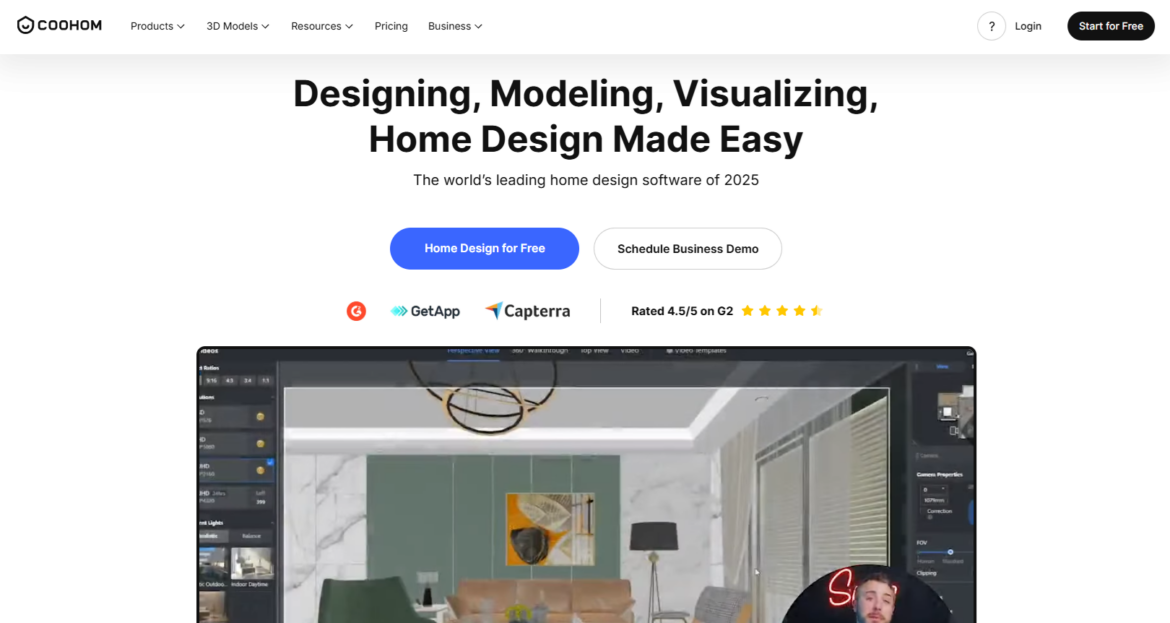
Coohom is a cloud-based design platform built for speed, accessibility, and AI-enhanced workflows.
It stands out with ultra-fast photorealistic rendering, a drag-and-drop 3D model library, and 720° panoramas for immersive walkthroughs. Whether you’re a pro or a beginner, Coohom makes it simple to go from floor plan to high-end visualization in minutes.
Its AI-powered design features offer intelligent layout suggestions, making it a great tool for fast interior design ideation and presentation.
Features:
- Lightning-fast cloud rendering that delivers photorealistic results in under 10 seconds
- AI-driven layout suggestions to automatically populate rooms based on style or use case
- 720° panoramic walkthroughs for immersive presentations and client previews
- Massive furniture and decor library with 60,000+ customizable 3D models
- Floor planner that allows users to upload, sketch, or generate layouts with AI
- Smart room templates that can be modified instantly across different interior styles
- Intuitive drag-and-drop interface optimized for browser-based design
- Built-in photo studio and visualization tools for marketing-style outputs
My experience:
I tested Coohom to stage a small apartment layout and was impressed by how fast and fluid everything felt.
The rendering quality was more than decent for a browser tool, and the AI layout suggestions saved me time when designing smaller, functional spaces.
It was especially useful for quick mockups when I didn’t want to open heavier software. The panoramas are a great touch for showing clients a spatial experience.
Pros:
- Extremely fast rendering and intuitive interface make it easy to generate and revise ideas
- Vast 3D model library with branded and generic items for flexible staging
- Real-time visualization features like panoramic previews and walkthroughs
- Browser-based platform that requires no downloads or steep learning curve
Cons:
- Render realism doesn’t always match high-end desktop tools in lighting or material depth
- Limited control over some advanced settings like shadows or light falloff
- Not ideal for highly customized architectural elements or complex exterior landscapes
Pricing:
Coohom offers a free tier with basic design and rendering tools. Paid plans (typically for professionals or business use) include faster rendering, more cloud storage, and access to premium assets. While pricing isn’t always listed upfront, business users can request a demo or enterprise quote. Seasonal promotions, such as year-end discounts, are common and can offer significant savings on annual plans.
Ratings:
Try the top-rated platform built for interior designers. Use DesignFiles’ AI rendering tools free for one project at a time.
Frequently asked questions
AI rendering software uses artificial intelligence to automatically enhance or generate realistic images from 2D or 3D inputs. It speeds up the design process by automating lighting, textures, and layout suggestions, helping designers visualize concepts faster without needing deep technical skills or manual post-processing. It’s design, made smarter.
AI rendering software is used to transform sketches, floor plans, photos, and 3D models into high-quality visualizations. Designers use it to test concepts quickly, generate photorealistic images, explore multiple styles, and present ideas clearly to clients without long rendering times or complex manual workflows.
DesignFiles stands out as the best AI rendering software for interior designers today. It combines fast, photorealistic enhancements with a user-friendly platform built for moodboards, mockups, and project presentations, making it easy to elevate your visuals without needing advanced 3D rendering skills.
Yes, several AI rendering tools offer free plans or limited trials. Examples include DesignFiles, ReRender AI, Interior AI, Planner 5D, HomeByMe, RoomGPT, Fotor AI Room Generator, Maket.ai, Spacely.ai, VisualizeAI, D5 Render, Twinmotion, Arkdesign.ai, and MyArchitectAI. Most provide limited renders, projects, or credits in their free tiers.
Coohom stands out as the best free AI rendering software available today. It offers a forever-free plan with access to powerful features like 2D floor planning, 3D visualization, and AI-assisted layout generation. With an intuitive interface and a vast furniture model library, it’s a great starting point for interior designers.
Lumion is the best AI-enhanced software for architectural rendering. Known for its speed and intuitive workflow, it offers AI-powered features like sky and lighting optimization, material suggestions, and real-time ray tracing. Architects love how easily it integrates with CAD tools, delivering stunning, high-quality visuals without slowing down the design process.
DesignFiles is the best AI rendering software for interior designers thanks to its purpose-built tools and AI enhancement feature. It lets designers transform 2D moodboards and room mockups into polished, photorealistic visuals, which is perfect for presenting concepts clearly and elevating the overall client experience.
AI rendering tools can speed up concept visualization and early design presentations, but they don’t fully replace traditional rendering engines yet. While many AI tools speed up concept visualization, traditional and advanced AI architectural rendering tools like Lumion or Twinmotion still offer greater control over lighting, materials, and detailed modeling for final production-quality visuals.
Not always. Many AI renderers work from simple inputs like photos, sketches, or moodboards instead of full 3D models. Tools such as RoomGPT, Interior AI, and Spacely.ai generate visual concepts from images, while others like D5 Render or Twinmotion typically require 3D models for rendering.
Get AI rendering software in the top-rated platform for interior designers. Use DesignFiles free for one project at a time.
![Top 9 Interior Design Project Management Software [2026 Guide]](https://blog.designfiles.co/wp-content/uploads/2024/06/AdobeStock_215623020-768x512.jpeg)