
3D modeling software has become a core tool in professional interior design because it solves real workflow challenges. It allows designers to visualize ideas quickly, communicate clearly with clients, reduce revisions, and make confident decisions earlier in the process.
Rather than focus solely on software options and feature lists, we’ll dive into how 3D modeling software supports real design work—where it fits into your workflow, which capabilities matter most, and how different tools align with different ways of working. We’ll also highlight today’s top tools and offer some guidance to help you choose the right platform for your business.
Table of Contents
What is 3D modeling software?
3D modeling software allows interior designers to create realistic, digital representations of client spaces using accurate dimensions, materials, lighting, and furnishings. These tools transform plans and specifications into interior design 3D models that reflect how a space will function and feel once it’s built.
At a professional level, interior designers rely on 3D modeling software to:
- Explore layouts and proportions early on in the design process
- Test materials and finishes before committing to them
- Communicate ideas clearly to clients and collaborators
- Identify potential issues before construction or ordering.
Photorealistic 3D modeling software takes things a step further by incorporating realistic lighting, materials, and textures. This helps designers and clients alike to make better decisions, earlier in the process, with fewer surprises later on.
How interior designers use 3D modeling in their workflow
Interior designers often use 3D modeling software multiple times for each project. Here’s how these tools can support the various phases of the design process:
1. Concept development and space planning
In the early stages of a project, 3D modeling software is primarily a thinking tool. Designers input their ideas to make sure they’ll work spatially before moving forward with the design.
Common uses at this stage include:
- Blocking out room layouts
- Testing furniture scale and spacing
- Evaluating circulation and sightlines
2. Client presentations and design approval
Once a design direction is established, 3D modeling becomes a communication tool. 3D models allow clients to visualize and understand the space without needing to figure out floor plan symbols or verbiage.
Photorealistic 3D design software is especially effective when:
- Presenting final layouts or finish selections
- Working with clients who struggle to interpret drawings
- Managing higher-budget or higher-risk projects
3. Design development and coordination
As projects move into detailed design, 3D modeling software supports accuracy and coordination. Designers often use models to refine custom elements such as millwork, cabinetry, or built-ins, ensuring dimensions work within the actual space.
At this stage, models help designers:
- Verify clearances and proportions
- Spot problems before installation or construction
4. Marketing and portfolio use
Even outside of active projects, 3D modeling can support interior design businesses.
Designers can use models to:
- Fill portfolio gaps
- Share unbuilt or conceptual work
- Present idealized versions of past projects
- Create consistent visuals for websites and social media
Key features to look for in 3D modeling software
The right 3D modeling software should make your workflow easier, not harder. With that in mind, the following capabilities tend to make the biggest difference in day-to-day usability:
1. Intuitive modeling tools
Interior designers need software that allows them to think spatially and make changes quickly. Intuitive modeling tools make it easy to adjust layouts, test alternatives, and respond to client feedback without rebuilding the model from scratch.
Look for tools that support:
- Fast push/pull or direct-edit modeling
- Easy resizing and repositioning of walls and furniture
- Simple duplication and variation of elements
2. Accurate scale and dimension control
Accuracy is the most important factor in 3D modeling. The best tools allow designers to work to scale and input precise dimensions.
This is especially important when models are used to:
- Confirm clearances and circulation
- Support pricing and procurement decisions
- Inform custom millwork or furniture design
3. Flexible material libraries
Materials are where many models either succeed or fall short. Flexible material libraries allow designers to apply finishes quickly while still keeping things realistic.
Look for tools that let you:
- Adjust scale, orientation, and reflectivity
- Pull products from vendor websites
- Create custom materials when needed
4. Integration and compatibility
Designers rarely rely on a single platform from start to finish. The best 3D modeling tools integrate smoothly with other software used for floor plans, rendering, documentation, and collaboration.
Integration matters most when you are:
- Importing or exporting floor plans
- Sending models to rendering software
- Sharing files with architects, builders, or clients
Ultimately, the right 3D modeling software is the one that supports your workflow. Before committing, consider the following:
- Does this tool support how I actually design day-to-day?
- Will it speed up decisions or slow them down?
- Can it grow with my business?
Types of 3D modeling tools (CAD, parametric, visual-based)
Not all 3D modeling software is built the same. Most platforms used in interior design fall into one of three categories: CAD-based, parametric (or BIM-driven), and visual-based tools. Rather than viewing these tools as competitors and feeling like you need to choose the best one, many professional interior designers see them as complementary—using different types at different stages of each project.
1. CAD-based 3D modeling tools
CAD-based 3D modeling tools are rooted in technical accuracy and documentation. These platforms are often extensions of traditional drafting workflows, making them a strong choice for designers who are deeply involved in construction details and coordination.
They are best suited for designers who:
- Work on detail-heavy projects
- Need to produce construction documents alongside their 3D models
- Collaborate closely with architects, engineers, and builders
Precision is the primary strength of CAD-based tools. Models are tightly aligned with plans, sections, and elevations, which helps ensure consistency across all documentation. For designers working on complex projects, this reliability can significantly reduce errors during construction.
That said, CAD-based 3D modeling software is typically slower during early concept phases. Making rapid visual changes or exploring multiple layout options can feel cumbersome, which is why many designers pair CAD tools with more flexible modeling platforms earlier in the process.
2. Parametric and BIM-driven tools
Parametric and BIM-driven tools take precision a step further by introducing rule-based relationships between elements. When one component changes, related elements update automatically, maintaining consistency across the model.
These tools are best suited for:
- Commercial or large-scale interior projects
- Repeatable layouts, such as multi-unit or hospitality work
- Projects with complex coordination requirements
One of the biggest advantages of these tools is error prevention. Automated updates reduce coordination errors and make it easier to manage revisions over time. This can be especially valuable on long projects or those involving multiple stakeholders.
However, this level of structure comes with trade-offs. Parametric modeling often has a steeper learning curve and can feel restrictive during the creative phases. Many designers pair these tools with more intuitive 3D modeling software early on in the process, similarly to how CAD-based tools are handled.
3. Visual-based 3D modeling tools
Visual-based tools are often the easiest to use for interior designers. They are fast, intuitive, and allow for plenty of creative freedom. As mentioned above, they can easily be paired with more technical tools when they can’t meet project requirements on their own.
Best for:
- Concept development and early design ideas
- Client presentations and approvals
- Marketing visuals and portfolio images
The main advantage of visual-based tools is speed and clarity. Designers can quickly test layouts, try different ideas, and share concepts in a way clients immediately understand. For many studios, these tools form the core of their client-facing workflow.
While they may not fully replace CAD or BIM software for detailed documentation, visual-based tools excel at turning ideas into understandable visuals.
How these tools work together
In practice, many professional interior designers use a combination of all three types. For example, a project might begin in a visual-based tool, move into a CAD software for development and documentation, and return to visual-based modeling for final presentations or marketing.
Understanding these categories allows you to choose 3D modeling software intentionally—based not only on the final product, but on every stage of your design process.
Best 3D modeling software for interior designers
Choosing 3D modeling software as a professional interior designer is less about finding a single “perfect” tool and more about finding the right fit (or fits) for how you work. Some designers prioritize speed and client-facing visuals. Others need precision, documentation, or deep customization. Many use more than one tool depending on the project phase.
Below is a practical breakdown of some of the best 3D modeling tools used in interior design today, including pros, cons, and a glimpse into why designers choose each one.
1. DesignFiles
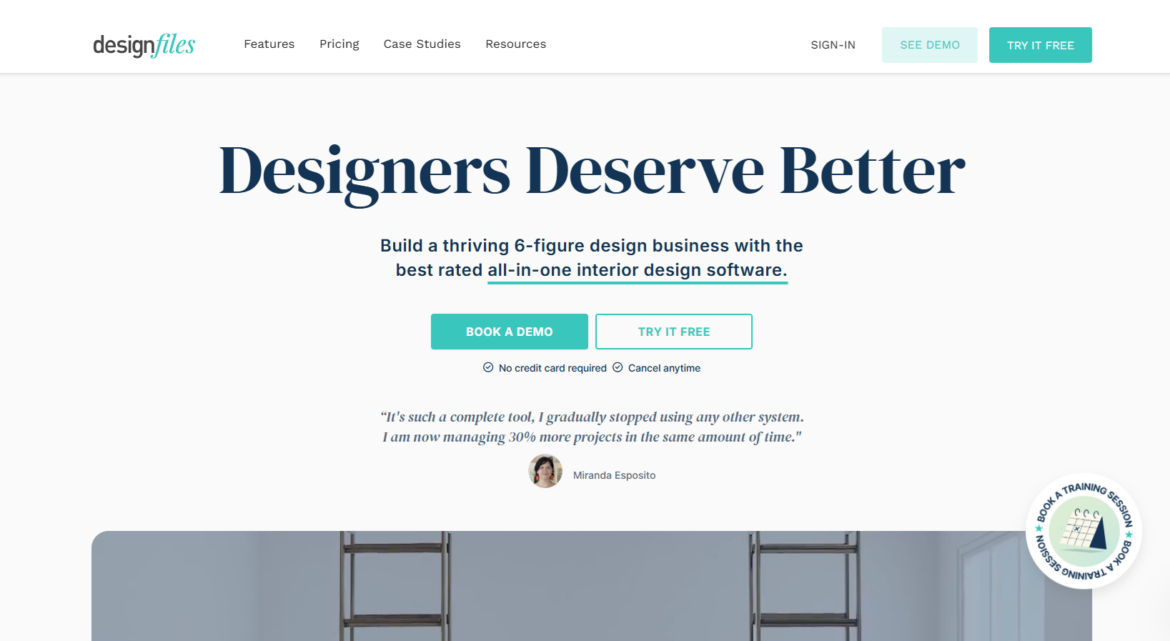
DesignFiles isn’t a traditional 3D modeling software, but it’s a powerful all-in-one design platform with built-in 2D and 3D floor planning tools—built specifically for small to mid-sized interior design businesses. It’s ideal for designers who want to handle layout planning, client collaboration, project management, and billing in one streamlined system.
With DesignFiles, you can:
- Create detailed 2D and 3D floor plans and walkthroughs
- Access 70K+ furniture and decor items, including lighting and finishes
- Customize layouts, paint colors, surfaces, cabinetry, and more
- Apply real brand paint colors (Benjamin Moore, Sherwin Williams, Farrow & Ball, etc.)
- Drag-and-drop furnishings, rotate, resize, and check spacing with accuracy
- Style surfaces with tile, paneling, wood floors, and ceiling treatments
- Present your vision from multiple angles with walkthroughs and bird’s-eye views
Beyond floor planning, DesignFiles also includes:
- Moodboards and branded presentation slide decks
- Product clipper and customizable library
- FF&E schedules and spec sheets
- Contracts, quotes, and invoices with online payment processing
- Custom questionnaires and client portals for feedback, file sharing, and payments
- Project calendars, time tracking, and task management
- SideDoor integration and affiliate link support
- QuickBooks integration and basic financial reports
- Support for team collaboration and online design packages
Pros:
DesignFiles combines professional 3D visualizations with project, client, and financial tools, making it easy to manage everything from concepts to client approvals to billing. The intuitive interface is approachable for all experience levels, and the support team offers free training and fast responses when you need help.
Cons:
While it’s feature-rich, DesignFiles isn’t focused on advanced architectural modeling or photorealistic rendering, designers who need highly detailed 3D modeling for structural builds might pair it with another tool.
Why designers choose it:
DesignFiles is a versatile platform for designers who want to manage most of their workflow in one place. It supports planning, sourcing, and client presentations, and 3D enhancements. Its customizable product library and product clipper make it an ideal choice for all types of interior design styles.
SketchUp
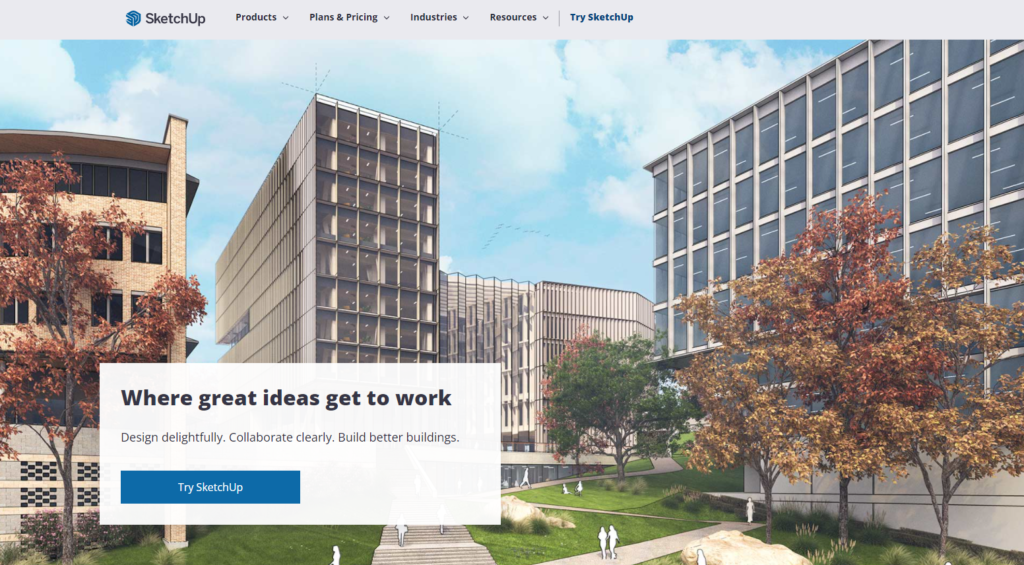
SketchUp is an accessible, easy to learn 3D modeling tool. It’s one of the most widely used interior design softwares, and one of the few affordable tools that offers intricate, manual control.
Pros:
- Easy to learn
- Large library of pre-built models
- Works for both simple and complex designs
- Widely supported by rendering plugins
Cons:
- Requires additional purchases for photorealistic rendering
- Not a BIM software
Why designers choose it: SketchUp is an easy entry point into 3D modeling software. Even as designers grow and explore other tools, they often return to it for quick, simple design work.
2. Revit
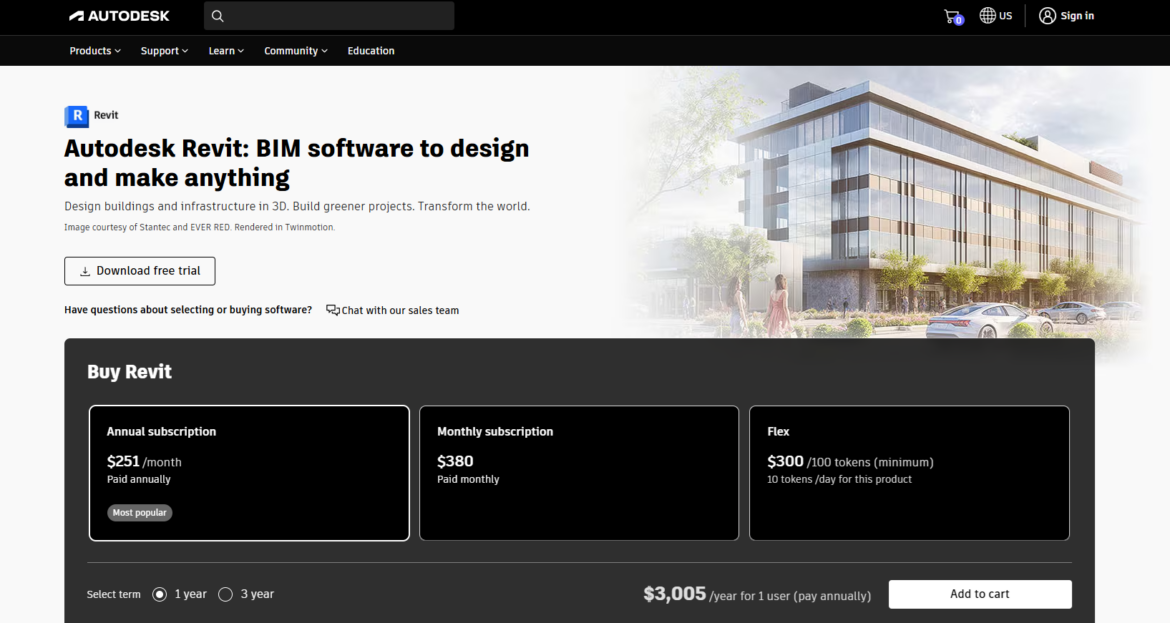
Revit is a BIM-based platform commonly used on larger or more technical projects. It’s a solid tool for projects that collaborate with architects and construction teams.
Pros:
- Ideal for commercial or large-scale residential projects
- Highly coordinated, detail-driven workflows
- Models update automatically when changes are made
Cons:
- Steep learning curve
- May feel like overkill for many residential projects
Why designers choose it: Revit offers excellent precision and collaboration capabilities for designers working in integrated project teams.
3. Homestyler
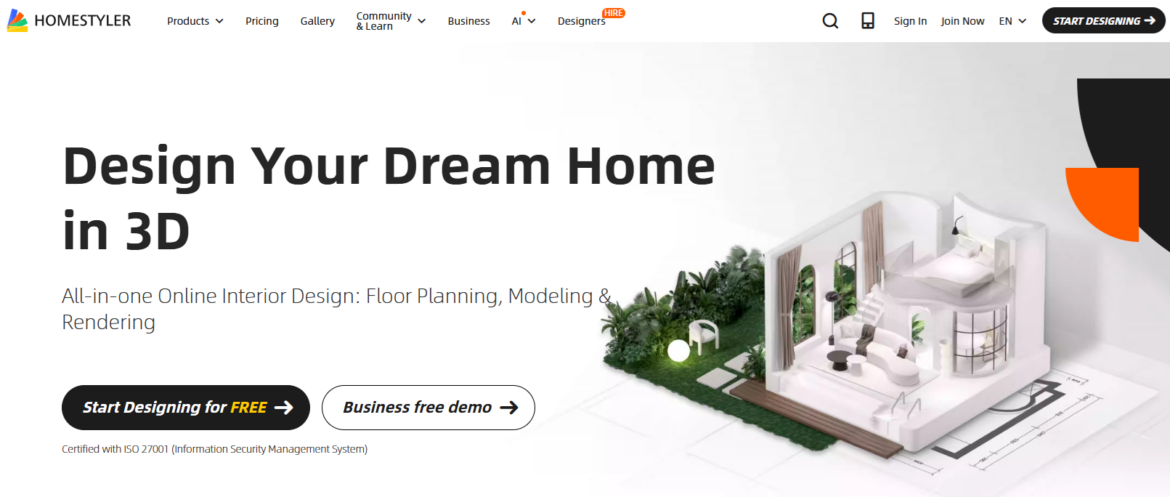
Homestyler is a user-friendly, web-based 3D modeling tool. It offers fast, visual results without the learning curve that comes with more technical applications.
Pros:
- Easy to learn, drag-and-drop interface
- Large product library with furniture, fixtures, and materials
- Quick 3D rendering for client-ready images
Cons:
- Not ideal for construction documentation
- Less control over highly-detailed or custom designs
Why designers choose it:
Homestyler is free and easy-to-use. It supports basic floor planning and visual presentations, but offers limited customization and technical control compared to more advanced 3D modeling software.
4. Coohom
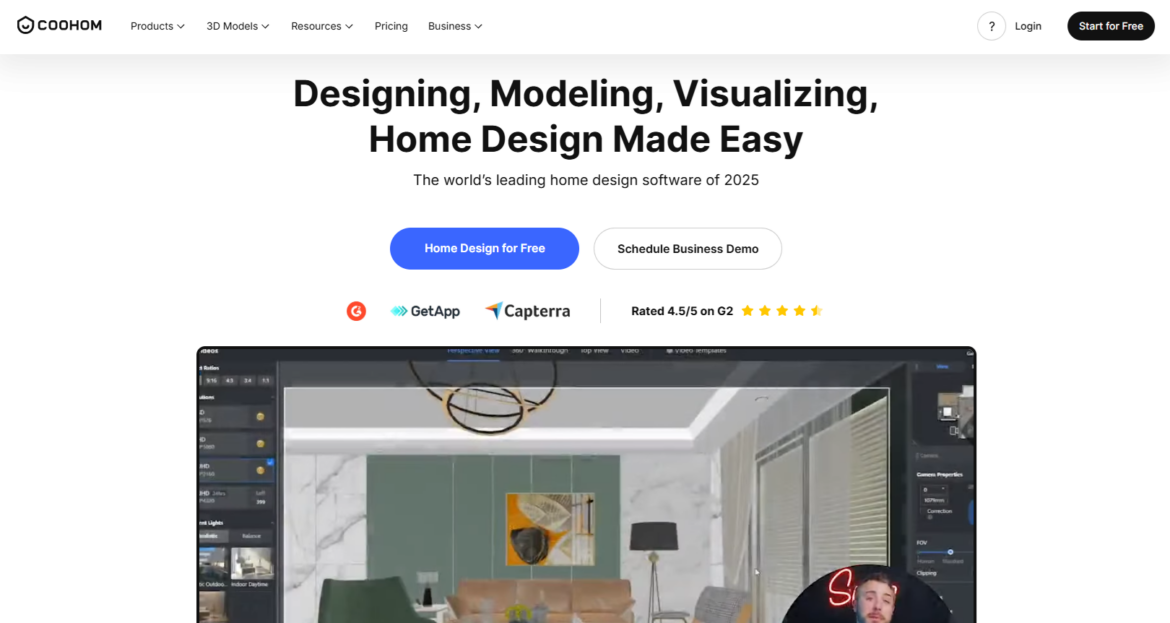
Coohom is a cloud-based 3D modeling and rendering platform that creates client-ready visuals in minutes. It makes it easy for interior designers to create polished visuals quickly, even without advanced technical skills.
Pros:
- Free and affordable plans available
- Cloud-based workflow
- Easy to learn
Cons:
- Less control over highly detailed, custom elements
- Not built for construction documentation
Why designers choose it:
Coohom is often chosen by designers who want quick, high-quality visuals without the learning curve. It’s an easy tool to pick up when you need to help clients visualize the space and make decisions.
How 3D modeling connects to rendering, floor plans, and walkthroughs
In interior design projects, floor plans, renderings, and walkthroughs are all connected through 3D modeling software. Designers begin with a floor plan to define the dimensions, layout, and circulation paths. This 2D floor plan becomes the base for the 3D model, keeping proportions and measurements accurate as the design develops.
Rendering builds on the 3D model, creating realistic images with materials, textures, lighting, and shadows. Generated directly from the floor plan, these visuals allow designers to understand the space in context and give clients a clear view, helping catch potential issues early.
Walkthroughs take it a step further by letting clients experience the space in sequence. Because they once again come from the same 3D model, walkthroughs remain consistent with the floor plan and rendered images, helping clients understand flow, scale, and spatial relationships before construction begins.
Frequently asked questions
Not always, but it’s quickly becoming a must-have in today’s design world. While it’s possible to design without it, 3D modeling makes it so much easier to communicate layout, scale, and material choices with your clients. It also helps you test different design ideas before committing, collaborate more smoothly with architects or contractors, and create those polished visuals that clients love. Whether you’re working remotely with e-design clients or presenting in person, 3D modeling tools help you work smarter, faster, and more confidently.
Definitely. You’ll find everything from full-length courses to quick YouTube tutorials, depending on how deep you want to go. Some platforms—like SketchUp or Rhino—offer their own official training. Others, like DesignFiles, include a library of how-to videos, live demos, and an active online community ready to support you. If you’re just getting started, you don’t need to master it all at once. A little guided learning goes a long way.
The best tools for beginners are the ones that feel approachable but still deliver professional results. That’s why so many designers start with DesignFiles or SketchUp. They both offer intuitive interfaces, quick ways to test layouts and finishes, and enough visual polish to wow your clients. Plus, they’re forgiving, so you can play, learn, and make changes without starting from scratch each time.
Absolutely, and many designers do! It’s actually pretty common to mix and match tools depending on what you need. For example, you might use one platform to sketch out a floor plan, another for building your 3D model, and a third for photorealistic rendering. Each tool brings something different to the table, and combining them lets you get the best of all worlds without forcing one tool to do it all.
Build your business on the right foundation with DesignFiles.

![Top 9 Interior Design Project Management Software [2026]](https://blog.designfiles.co/wp-content/uploads/2024/06/AdobeStock_215623020-768x512.jpeg)