If you’re an interior designer, you know how important it is to have the right tools for the job. Your business is only as strong as the designs you deliver, and the tools you use can make or break that experience.
Choosing the best online interior design software, virtual interior design tools, or all-in-one e-design platforms helps you create beautiful spaces, impress your clients, and run your business more efficiently. That’s why it’s so important to pick e-design software that’s affordable, easy to use, and packed with the features you really need.
Below, you’ll find the best options for interior designers, from premium platforms to budget-friendly picks. Whether you’re just getting started or have years of experience, there’s a perfect solution here for you.
Table of Contents
How I evaluated these tools
I’ve spent years working alongside interior designers who juggle multiple platforms, and when I put this list together, I judged every tool against what actually matters in daily use, not just what looks impressive in a demo, before ranking them below. Here’s what I weighed:
- Ease of use: Can a designer without Photoshop or CAD experience jump in and create a polished moodboard or floor plan on day one?
- Product library depth: How many real-world, purchasable products are searchable and shoppable, not just generic 3D assets from a vendor library?
- Business tools included: Does the platform handle client communication, invoicing, and purchase orders, or is it design-only?
- Pricing transparency: Are costs predictable, or do credits and add-ons stack up quickly?
- Learning curve: Would a busy designer realistically use this feature set without extensive training?
I prioritized platforms that let designers spend less time managing software and more time designing.
1. DesignFiles — Best All-in-One E-Design Software
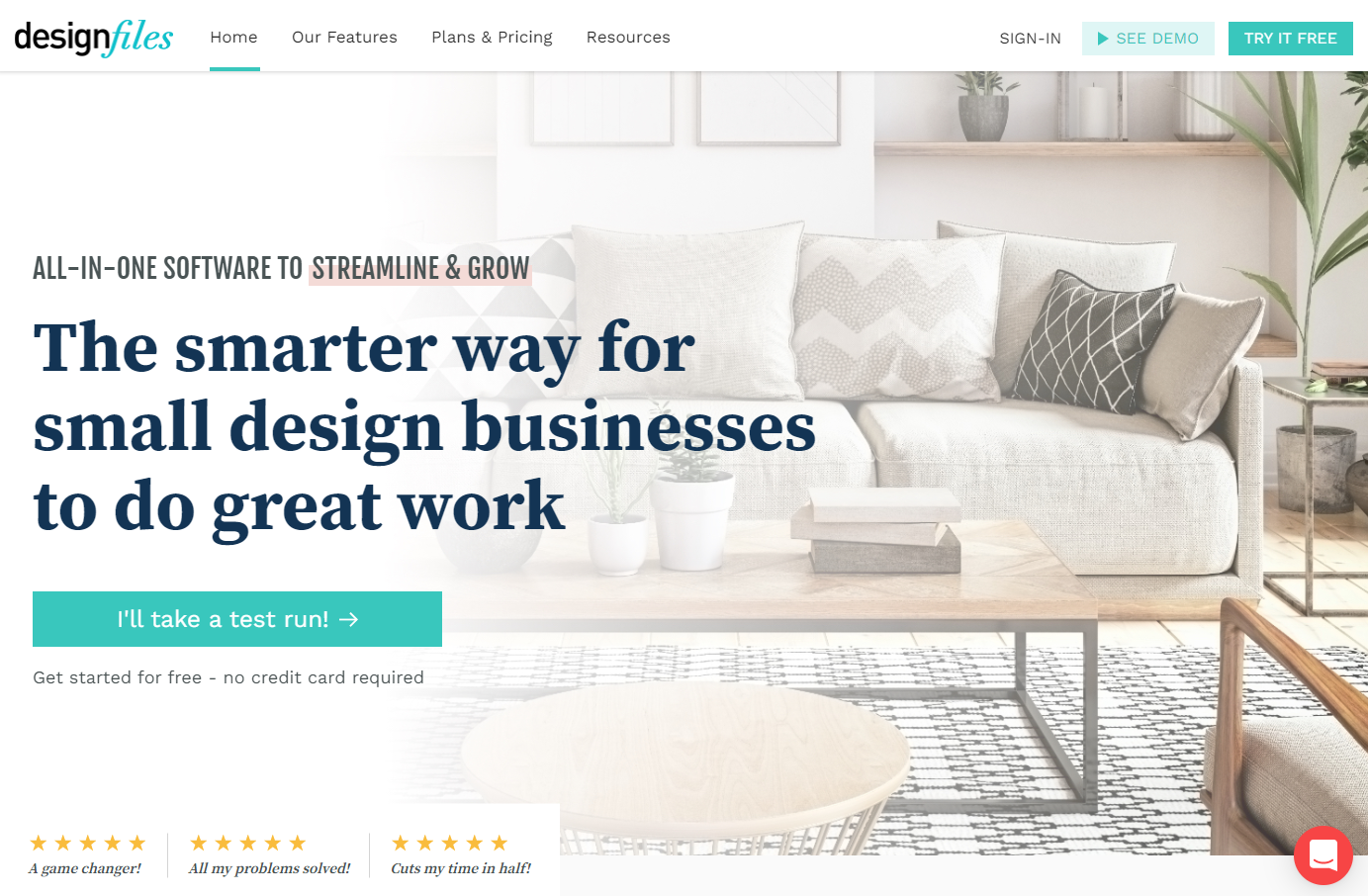
DesignFiles is our pick for the best all-in-one e-design software because it combines everything a designer needs to run an online design business in one place: moodboards, 3D renderings, client communication, and back-office tools like invoicing and purchase orders. You don’t need any Photoshop skills or CAD experience to create stunning designs for your clients, which makes it especially approachable for designers moving their business online for the first time.
⭐DesignFiles has 4.6 stars on Capterra.
Features:
- Moodboard creator (750,000+ products available)
- Paint library including collections from Benjamin Moore, Sherwin Williams, Dulux and Farrow and Ball
- 3D renderings (60,000+ 3D models available)
- Floor planner
- Product clipper for online sourcing
- Sell online design packages
- Send design questionnaires
- Generate shopping lists for clients
- Add affiliate links to boost your income
- Client communication portal
- Contracts
- Project time tracker
- Quotes, invoices, and purchase orders
- Quickbooks + Stripe integrations
Pricing:
We offer a special e-Design plan so you can get most of our features for $55 per month, or the Full Service plan for $75 per month to unlock everything. DesignFiles also has a free plan you can use for one project at a time, for as long as you want.
Because it covers design, client management, and billing in a single subscription, DesignFiles is consistently one of the most complete e-design software options for designers who want to run their entire online business from one platform.
Pros and cons:
People love how much time it saves. A ton of reviewers on G2 mention generating purchase orders straight from a client-approved board, and they can’t stop talking about the support team. It’s genuinely one of the most-praised things about this software. The main gripe? The 3D and moodboard tools aren’t quite as flexible as what you’d get from Coohom or Canva. A few designers wish they could get more granular with layouts. Honestly, if you want deeper 3D rendering, a lot of designers just pair DesignFiles with Coohom and call it a day. Best of both worlds.
2. Coohom — Best for Fast 3D Renderings Without CAD Experience
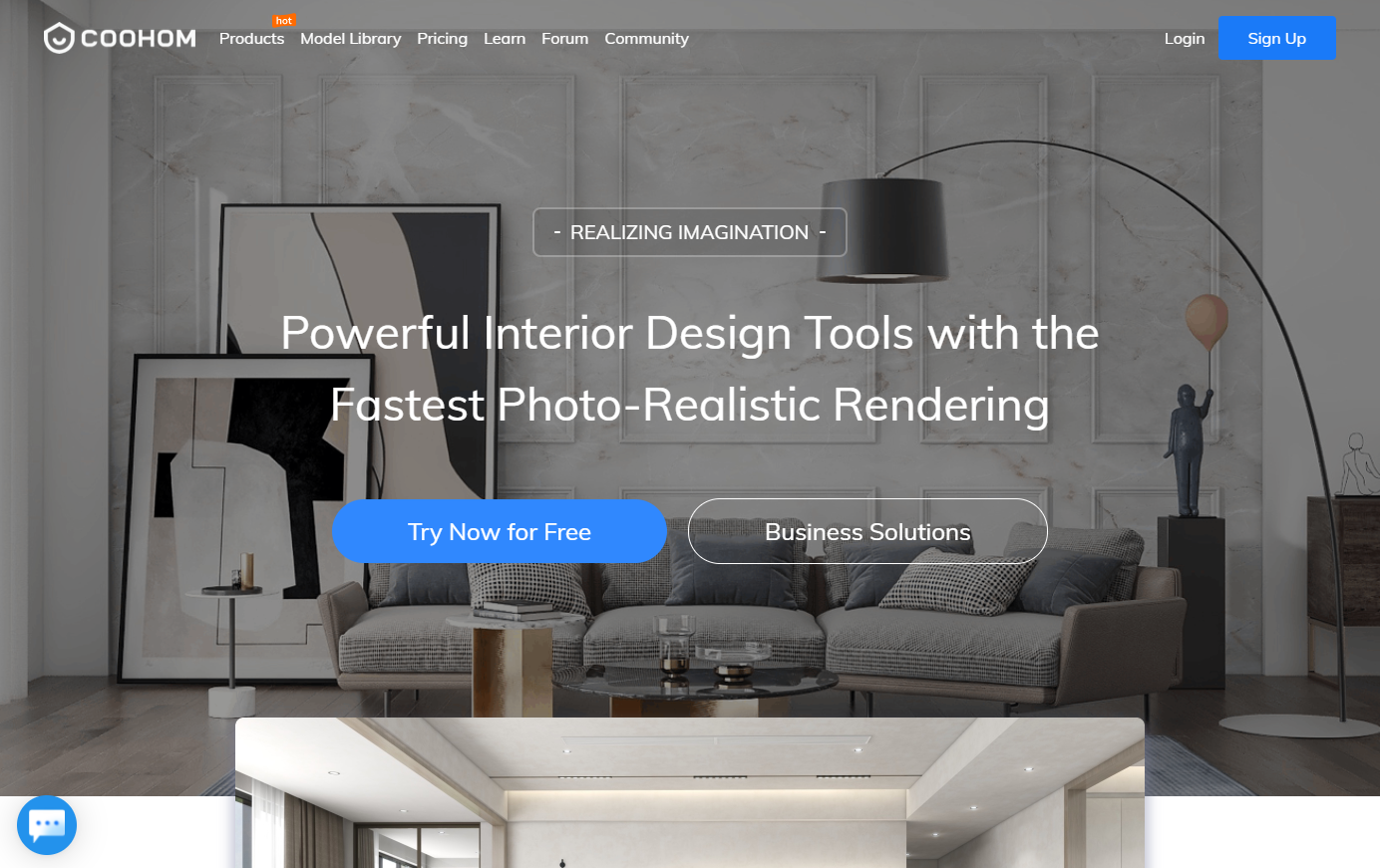
You can use Coohom to create 3D renderings and floor plans for design projects. The system provides a model library to make the process go much more quickly. Coohom is a good choice for designers with no CAD expertise.
⭐Coohom has 4.6 stars on G2 and 4.8 stars on Capterra.
Features:
- Floor plan creator
- 3D rendering
- 3D model library
- Upload and convert existing floor plans
- Drag-and-drop 3D home design tools
- Real-time high-quality 4K rendering
- AI-powered design suggestions
- Design templates for every room
Pricing:
You get access to 20,000 3D models on the free plan, but you can only work on one project at a time. For $25 per month on the Pro plan, you may work with up to 200 projects simultaneously.
Pros and cons:
Reviewers keep saying the same thing: the renders are fast and shockingly realistic. Some even say it beats SketchUp for turning a flat floor plan into something that actually looks real. The one-click AI floor planner is a big draw too. The catch is price. It comes up over and over as the number one complaint, plus a few paid features are still locked behind extra credits. Give yourself a week or two to get comfortable with the interface. Once it clicks, most reviewers say it clicks hard. A lot of designers use it alongside DesignFiles for everything else.
Pro Tip: When using 3D software you are often not able to use the exact decor or furniture piece you’re recommending to your clients. Most vendors have not yet created 3D models of their entire collections and because of this you will often need to find a similar-looking 3D model to help your client visualize the space. For this reason, many designers will often create a moodboard that includes the exact items they are recommending and present this along with the 3D floor plan. You can use something like PowerPoint or Canva to create your moodboard designs or you can use a software that includes both moodboard and floor plan capabilities (like DesignFiles, Spoak, MyDoma or Houzz Pro) to streamline your process.
3. Spoak — Best Budget-Friendly Moodboard and Floor Plan Tool
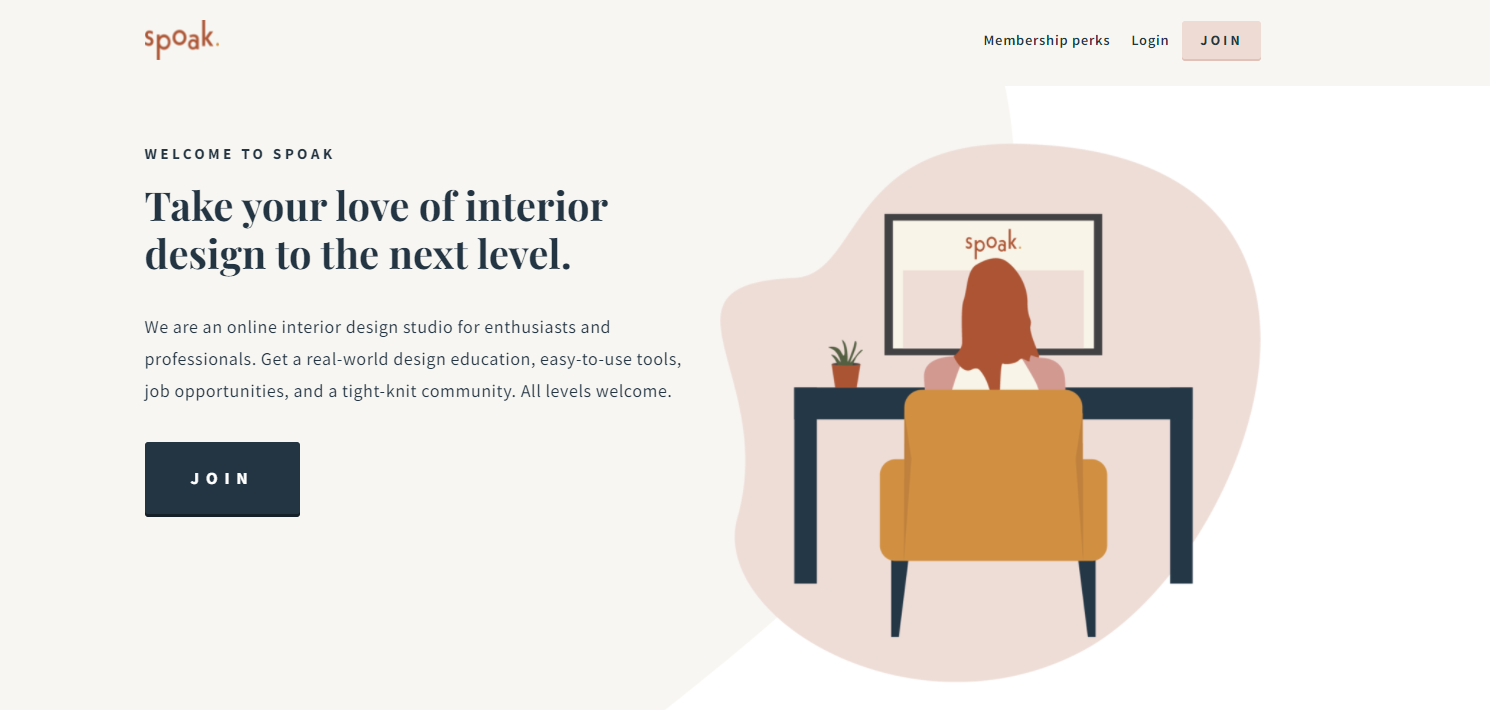
With Spoak, you can create to-scale floor plans, full room designs, and mood boards without any Photoshop or CAD experience required. It’s used by interior design professionals and homeowner enthusiasts alike.
⭐Spoak isn’t listed on G2 or Capterra, but it has 3.3 stars on Trustpilot.
Features:
- Product clipper
- Room modeler
- Floor plans
- Editorial boards
- Style quiz to refine your aesthetic
- Shopping tools with price alerts and wishlists
- Collaborative moodboards and content creation
Pricing:
Spoak costs $14.99 per month, but doesn’t offer all of the design and project management tools a designer needs, so expect to have other software costs as well.
Pros and cons:
You won’t find Spoak on G2 or Capterra since it’s built more for homeowners than working designers. TechRadar actually tested it and came away a little underwhelmed. They didn’t love that background removal costs credits even on items already in Spoak’s own library. Reddit tells a similar story: it’s a nice DIY tool, not really a business platform. That tracks with what we’ve seen. It’s fine for a quick single-room moodboard, but there’s no time tracker, task manager, or product clipper, so it’s missing the stuff working designers actually lean on every day.
4. Floorplanner — Best Dedicated Floor Plan Software

As the name would suggest, Floorplanner is a design tool dedicated to floor plans. You can create floor plans with the 3D product library and then share the 3D floor plans and 2D images with your client. However, you can’t use it for moodboards, client reviews, proposals, or invoices, so you’ll need to find a separate platform that lets you run more facets of your e-design business.
⭐Floorplanner has 4.5 stars on G2 and 4.2 stars on Capterra.
Features:
- 3D floorplans
- 2D and 3D floorplan images
- Shareable links for easy client access
- Large 3D product library with 260,000+ items
- Accurate drag-and-drop floor plan editor
- Real-time 3D view with 8K rendering
- Photorealistic interior and exterior visualizations
- Educational accounts for schools and students
Pricing:
e-designers will need the Pro plan, which costs $29 per month. However, this gives you 30 credits per month, and you’ll likely need to purchase additional credits to use advanced features on your projects.
Pros and cons:
People genuinely find this one easy to pick up. Several reviewers said it took them just a couple hours to learn most of what it can do, and the furniture catalog gets a lot of love. The free plan is the sticking point though. It’s watermarked and caps you at one floor, and a few reviewers said they eventually outgrew it and moved to SketchUp for more precision. One thing worth knowing: there’s no moodboard feature here, so you’d still need something like DesignFiles for client presentations and invoicing. Great for quick floor plans, not a full business solution.
5. Canva — Best for Moodboards and Client Presentations

Canva is a great platform for interior designers because it provides access to millions of high-quality images, fonts, and templates. With Canva, you can easily create stunning mood boards and proposals. However, it does not provide floor plans or 3D renderings.
⭐Canva has 4.7 stars on G2 and 4.7 stars on Capterra.
Features:
- Video editor
- Image editor
- Image creator (great for mood boards)
- Templates for presentations and client proposals
- Brand Kit to keep fonts, colors, and logos consistent
- Collaboration tools for client feedback and team design
- AI tools to generate visual content faster
Pricing:
Canva has a free plan which has plenty of features for most designers. If you want to save your branding (fonts, logo, colors) in Canva to design proposals and social media graphics faster, than you’ll need the Pro plan which costs $119.99 per year.
Pros and cons:
Canva’s reviews are basically a love letter. People rave about the drag-and-drop editor, the huge template library, and Brand Kit for keeping everything on-brand. A few reviewers said it makes even a rushed Instagram post look intentional. The downside comes up when people push it too far. Advanced customization feels restrictive next to something like Adobe, and exporting files to hand off to other software isn’t always smooth. For interior design specifically, there’s just no floor planning or 3D rendering here, so most designers use it purely for moodboards and presentations alongside a tool like Coohom.
6. MyDoma — Best Alternative E-Design Business Software
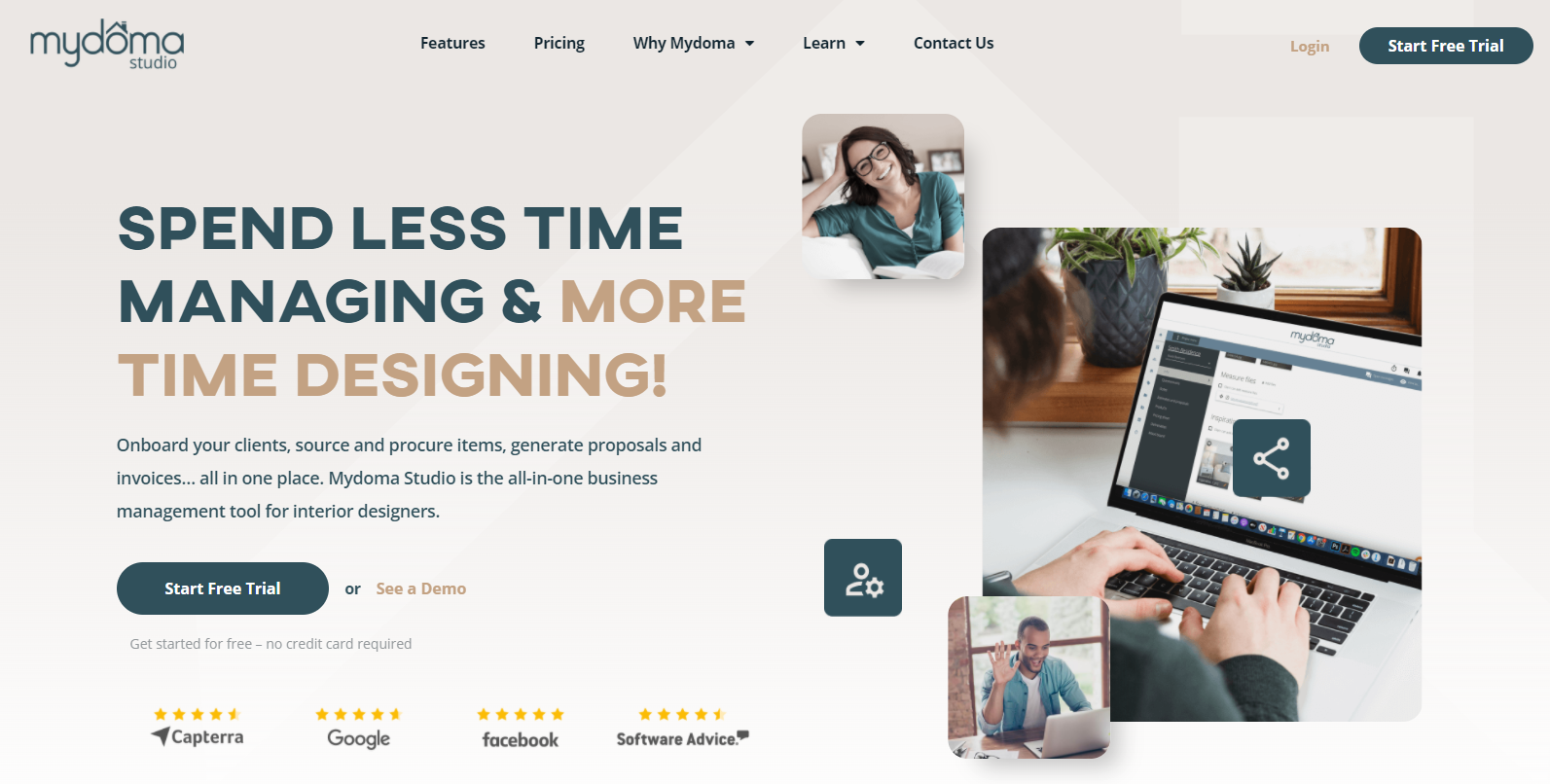
MyDoma is an interior design business software that you can use to create and sell online design packages, source products, create simple moodboards, and communicate with your clients. They recently added 3D rendering features so you can create realistic designs as well.
⭐MyDoma has 2.8 stars on G2 and 4.2 stars on Capterra.
Features:
- Product clipper
- Embeddable design packages
- Purchase orders and invoices
- Client communication portal
- Contractor management
- Mood board tool
- Time tracker for projects
Pricing:
Solo designers pay $59 per month for the Solo plan, while teams of up to eight people will pay $79 per month for the Team plan. Teams of nine or more individuals will pay $129 per month for the Agency option.
Pros and cons:
Reviewers like having everything (files, communication, projects) in one app, and the customer support gets a lot of genuine praise for actually listening to feedback. Where it falls short is the moodboard tool. Multiple people compared it unfavorably to Canva and DesignFiles and called it limited. There’s also been some real frustration around their newer version, MyDoma Next, with a few longtime users saying the transition lost some of their saved work. One more thing worth flagging: a few reviewers mentioned you can’t export your data if you ever decide to leave. Worth thinking through before committing.
7. Homestyler — Best Free 3D Design Tool for Beginners

Homestyler is an interior design app that allows users to create three-dimensional floor plans and visualize different design options. The software provides a realistic preview of how furniture and other objects will look in a given space. While primarily designed for amateurs and homeowners, it can be used by interior designers as well.
⭐Homestyler has 3.5 stars on G2 and 4.8 stars on Capterra.
Features:
- Cloud-based 3D floor planner
- 3D rendering
- 100,000+ 3D models and materials
- AI-powered room decoration
- Material and lighting editor
- Export BOM, floor plans, and DWG drawings
- Team collaboration and shared model libraries
Pricing:
Homestyler has a free plan that gives you access to their 3D models and materials. On the Pro plan, which starts at $4.90 per month, you can remove the Homestyler watermark from your designs.
Pros and cons:
This one’s popular for a reason. Reviewers like the free plan, the community features, and being able to make quick edits from the mobile app. When people compare it directly to Coohom, they usually say Homestyler’s model library (around 100K items) is smaller and its AI tools need more manual work to get right. That lines up with what we found too. The most common complaint is just not having quite enough real vendor products to match exactly. Great free option if you’re casual about it, but most professional designers seem to outgrow it pretty quickly.
8. Morpholio Board — Best for Concept Boards and Shopping Lists

Morpholio Board software is a versatile tool that allows interior designers to create moodboards, presentations, color charts, shopping lists, and furniture books and more. You can also browse through their project library of furniture and home decor products to find the right piece for your project.
⭐Morpholio Board isn’t listed on G2 or Capterra, but it has 4.2 stars on the App Store.
Features:
- AR furniture viewer
- Shopping lists and cut sheets
- Mood boards and concept boards
- Swatch maker for colors and finishes
- Extensive product library
- Pinterest integration and web clipper
- Magic Lift AI background remover
- Shareable multi-page PDF design packages
Pricing:
A Pro subscription costs just $11.99 per year, but it doesn’t offer all of the design and project management tools a designer needs to manage their business and stay organized.
Pros and cons:
App Store reviewers genuinely enjoy using this one. Several said it feels more fun and less fiddly than fighting with Photoshop just to build a mood board. The catch is that it’s Apple-only, so if you’re on Windows, this isn’t happening. A few reviewers also ran into broken links where clipped products led to dead pages on vendor sites, and some wished syncing across devices worked more reliably. If you’re already deep in the Apple ecosystem and want something quick and tactile, people love it. Otherwise, Canva or DesignFiles will get you similar results on any device.
9. Foyr — Best for High-Quality 3D Renders
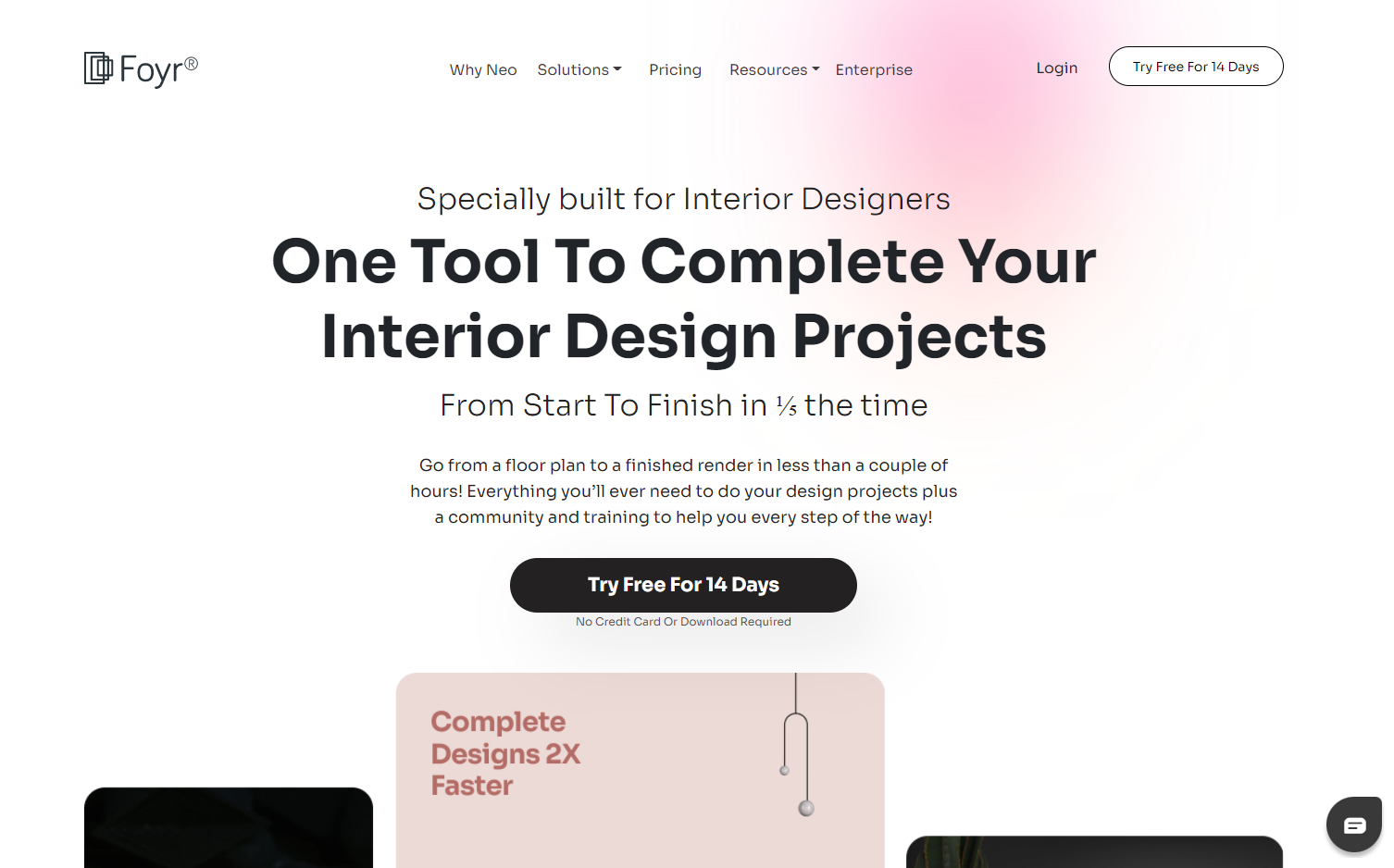
Foyr is 3D software that was built specifically for interior designers. It doesn’t offer project or client management tools, meaning you’ll need a separate platform for those features. It includes 50,000 models and you don’t need any prior CAD or modeling training to use it.
⭐Foyr Neo isn’t listed on G2, but it has 4.0 stars on Capterra.
Features:
- Product library with 60,000+ items
- 2D floor plans
- 3D renderings
- 4K renders and 360° walkthroughs
- AI-powered design tools
- Moodboard creator
- Shopping list generator for budgeting
Pricing:
The Basic plan is $59 per month and includes 30 renders per month. Or with the Standard plan, you’ll get a total of 1620 renders per year for $89 per month. Yearly discounts are available.
Pros and cons:
People are consistently impressed by how fast Foyr Neo cranks out 4K renders, and a bunch of reviewers said they taught themselves the whole thing with zero CAD background. Customer service gets praised often too. The complaints tend to cluster around precision: a few users wanted more accurate measurements for real architectural work, and some mentioned occasional crashes on the newest version. A couple of reviewers also had billing headaches after canceling. Compared to SketchUp, you’re trading some fine-tuned modeling control for speed, which is usually the right call for residential e-design work.
10. SketchUp — Best for Custom 3D Modeling

Sketchup is a software that allows interior designers to create 3D models. Designers can use Sketchup to create models of rooms and furniture pieces, or select from the wide range of existing furniture that is available in the software. Sketchup also allows designers to import photos of fabrics, wallpaper, and flooring so that they can see how these materials will look in their design.
⭐SketchUp has 4.5 stars on G2 and 4.5 stars on Capterra.
Pro Tip: While you could choose to create your own 3D models with Sketchup to show your client the exact item you’re recommending for their space, keep in mind that it takes a significant amount of time to create these models. If you’re offering e-design services, you may find your projects will be a lot more profitable if you use similar-looking models in your 3D designs to show the overall layout of the space and then provide a simple moodboard that includes the actual products you’re recommending.
Features:
- 3D modeling
- Object library
- Materials library
- Photorealistic rendering
- 2D drawing and documentation tools
- Cross-device design (desktop, web, iPad)
- Collaboration and sharing tools
- Sustainability analysis and energy modeling plugins
Pricing:
SketchUp’s most useful and popular plan is called Pro and it costs $299 per year.
Pros and cons:
SketchUp has serious staying power, 4.5 stars on both G2 and Capterra with over a thousand reviews each. Interior designers keep calling it the easiest 3D tool to jump into, especially next to AutoCAD, and the plugin ecosystem (Vray, Enscape) is a big reason people stick around. The complaints are mostly about performance. Big, complex models can lag or crash, and the built-in rendering needs plugins to look truly photorealistic, which is where Coohom and Foyr have an edge. It’s a fantastic modeling tool on its own, but you’ll still need something else to run the actual business side.
Frequently asked questions about e-design software
Get answers to important questions.
DesignFiles is widely regarded as the best all-in-one e-design software because it combines moodboards, 3D renderings, questionnaires, and business tools like invoicing and purchase orders in a single platform. That means designers can run design work and business operations without needing separate software for each.
Look for e-design software that lets you easily build mood boards, create floor plans, and source products fast. Must-have tools include a product clipper, customizable questionnaires, client feedback portals, branded presentations, invoices, and purchase orders. Bonus points for QuickBooks integration, real-time notifications, and marketing tools that help you grow your design business.
Most professional e-design software costs between $50 and $100 per month, depending on the features you need. DesignFiles, for example, starts at $55 per month for solo e-designers and goes up to $75 per month for full-service designers, with plans that include unlimited projects, mood boards, 3D renderings, client portals, and invoicing.
E-design software focuses on virtual design work like mood boards, floor plans, and simple client packages, making it ideal for online-only projects. Full-service interior design software, like the Full Service plan on DesignFiles, adds tools for contracts, purchase orders, time tracking, and vendor coordination for designers who also manage in-person installs.
Yes. Good e-design software makes client communication simple and organized. You can send design questionnaires, share mood boards and floor plans, get feedback in one place, and track approvals or changes. Many tools include a client portal, mobile-friendly updates, and notifications so you never miss a message. It keeps projects smooth and clients happy.
Absolutely. Many modern e-design platforms are built for designers with no CAD experience. You can create realistic 3D renderings using simple drag-and-drop tools and ready-made product libraries. Some software even includes AI-assisted design and pre-built templates to speed up the process. This means you can wow clients with 3D visuals without needing complex technical skills or extra training. Need wall drawings for your client’s contractor too? Our guide to elevation design software compares ten tools, from free templates to full CAD.
Do you want to have all of the best tools in one location? With DesignFiles, you’ll find mood boards, 3D renderings, floor plans, client communication, and more within a beautiful platform.
Sign up for DesignFiles and get the best tools, community, and customer support.

![Top 9 Interior Design Project Management Software [2026]](https://blog.designfiles.co/wp-content/uploads/2024/06/AdobeStock_215623020-768x512.jpeg)